Contra Trading and T+2 Settlement in M+ Global: What You Need to Know

Contra Trading and T+2 Settlement in M+ Global: What You Need to Know
Many new clients are confused about contra trading and T+2 settlement on Bursa Malaysia. Questions like "why hasn't my money come in yet?", "can I sell shares today if I just bought them yesterday?" or "what is a contra loss?" come up frequently.
This article answers all questions related to contra and settlement based on nearly 300 real questions received by the Mahersaham support team. Each answer includes clear steps so you know exactly what to do.
What Is T+2 Settlement?
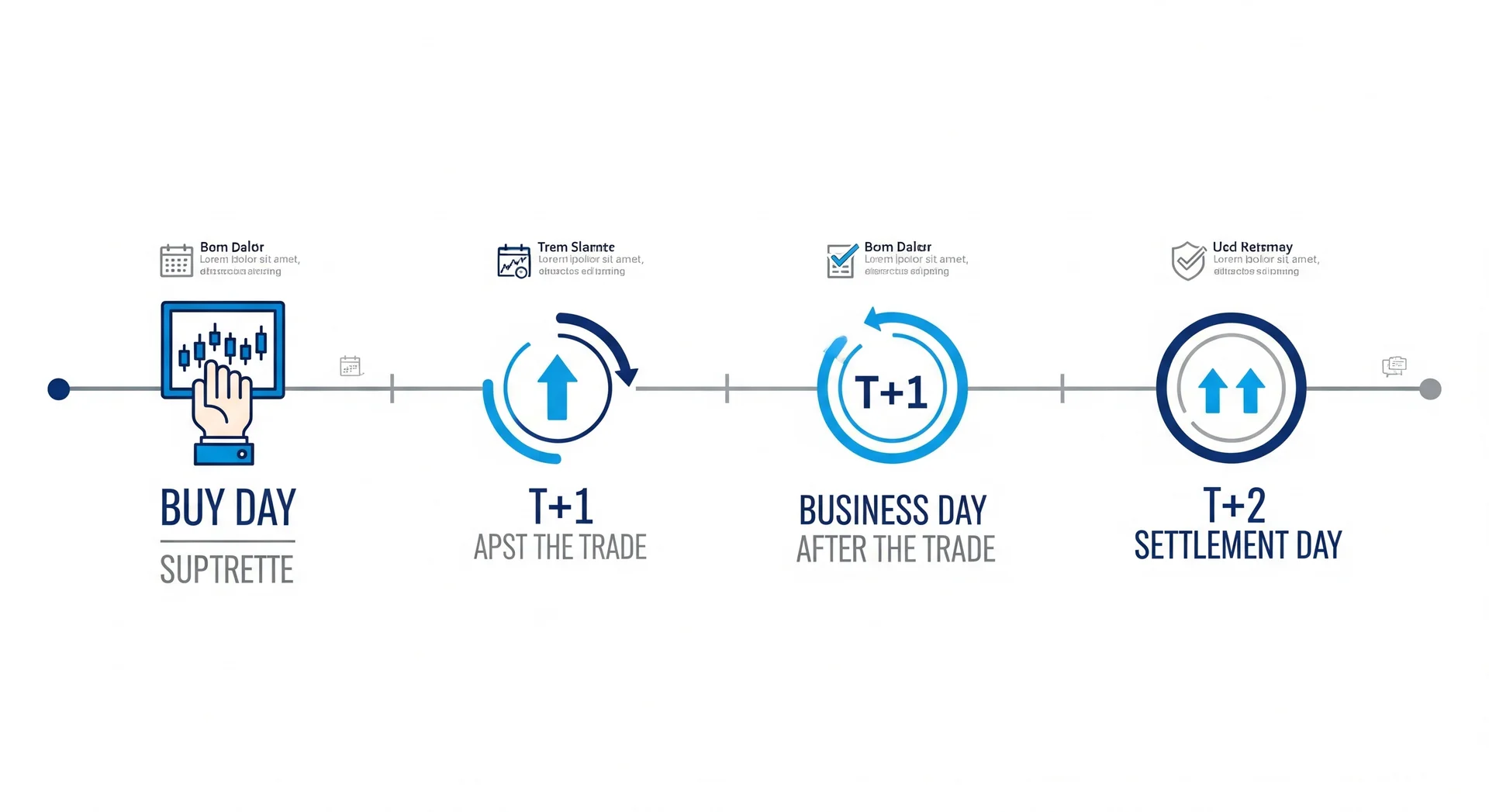
T+2 settlement means "Trade date plus 2 business days". It is the time period set by Bursa Malaysia to complete share buy and sell transactions.
In simple terms:
- T = the day you buy or sell shares
- T+1 = one business day after the transaction
- T+2 = two business days after the transaction (settlement day)
This means if you buy shares on Monday, settlement happens on Wednesday. If you buy on Thursday, settlement happens on the following Monday (Saturday and Sunday are not business days).
Settlement Timeline Example
| Buy Day (T) | T+1 | T+2 (Settlement) |
|---|---|---|
| Monday | Tuesday | Wednesday |
| Tuesday | Wednesday | Thursday |
| Wednesday | Thursday | Friday |
| Thursday | Friday | Monday (next week) |
| Friday | Monday | Tuesday (next week) |
Public holidays will push the settlement date to the next business day.
What Is Contra Trading?
Contra trading means you sell shares that you bought before settlement is complete - that is, within the T+0 to T+2 period. You don't need to pay the full price because the transaction is settled on a "net off" basis.
How Contra Works (Step by Step)
- Day T (Monday): You buy 10 lots of XYZ shares at RM1.00 - Total purchase: RM10,000 (no full payment needed yet)
- Day T+1 (Tuesday): XYZ share price rises to RM1.10
- You sell 10 lots of XYZ at RM1.10 - Total sale: RM11,000
- Contra result: You profit RM1,000 (minus brokerage and other charges)
- On settlement day (T+2): Only the net difference is settled - you receive the contra profit into your trust account
What Happens If Contra Results in a Loss?
If the share price drops and you sell at a loss before settlement:
- Day T (Monday): Buy 10 lots of XYZ at RM1.00 (RM10,000)
- Day T+1 (Tuesday): Price drops to RM0.90
- You sell at RM0.90 (RM9,000)
- Contra loss: You lose RM1,000
- On settlement (T+2): The RM1,000 loss + brokerage will be deducted from your trust account
If your trust account doesn't have sufficient balance to cover the contra loss, the broker will issue a margin call. You need to deposit money as soon as possible to prevent your account from being frozen.
How to Check Settlement Status in M+ Global
Many clients ask "how do I know if my shares have settled?" - here's how, step by step:
Step 1: Open M+ Global App
Log in with your phone number + OTP as usual.
Step 2: Go to Trade > Bursa
Tap the Trade menu at the bottom of the screen, then select Bursa for the Malaysian market.
Step 3: Click Order History
At the top of the Trade screen, you'll see the Order and History tabs. Tap History to view all past transactions.
Step 4: Check Each Order's Status
Each order will show the transaction date, stock counter, price and quantity, and status: Filled (successful), Partial (partially filled), or Rejected.
Step 5: Check Trust Balance
Go to Account or Portfolio. Look at the Trust Balance and Available Trading Limit section. After T+2 settlement, proceeds from sales will be reflected here.
Why Haven't I Received My Money After Selling Shares?
This is the most frequently asked question. The answer depends on the situation:
Situation 1: T+2 Hasn't Passed Yet
If you just sold shares yesterday or today, the money hasn't settled yet. What to do: Wait until T+2 (2 business days). The money will automatically enter your trust account.
Situation 2: T+2 Has Passed But Money Still Not Showing
Try pull down to refresh on the portfolio screen. Log out and log in again to force refresh the data. If it still doesn't show after that, contact CS with your client code and transaction date.
Situation 3: Contra Loss Was Deducted
If you had a contra loss, the broker will deduct the loss from your trust account. Check the statement in the app to see deduction details. Go to Account > Statement to view the daily statement.
Situation 4: Trust Account Has Outstanding Amounts
If there are outstanding payments (e.g., previous margin calls), new funds may be used to settle the debt first. Contact CS for a detailed explanation.
How to Deposit Money to Trust Account (Step by Step)
Before you can buy shares, you need to have a balance in your trust account. Here's how to deposit:
Step 1: Open M+ Global App
Log in as usual.
Step 2: Go to the Deposit Section
Tap More or Account, then select Deposit or Fund Transfer.
Step 3: Choose FPX Method
Select FPX as the payment method. Enter the amount you want to deposit.
Step 4: Choose Your Bank
Select your bank from the list (e.g., Maybank, CIMB, RHB, etc.). You will be redirected to the bank portal for verification.
Step 5: Confirm Payment
Log in to your internet banking. Confirm the payment. Wait for confirmation - money usually enters the trust account within 5-30 minutes.
Step 6: Verify Balance
Return to the M+ Global app. Refresh the portfolio screen. Your trust balance should have increased.
If money doesn't appear after 1 hour, check your email for FPX confirmation. If FPX was successful but trust balance is still empty, contact CS with proof of payment.
How to Withdraw Money from Trust Account
Step 1: Open M+ Global App
Log in as usual.
Step 2: Go to Withdrawal
Tap More or Account, then select Withdraw or Fund Withdrawal.
Step 3: Enter Amount
Enter the amount you want to withdraw. Make sure the amount doesn't exceed your Available Trust Withdraw.
Step 4: Confirm Withdrawal
Confirm with your Trading PIN (6 digits). The withdrawal will be processed.
Step 5: Wait for Money to Arrive in Bank
Withdrawals usually take 1-3 business days to arrive in your bank account. Money will go to the bank account registered when you opened your CDS account.
Important note: You can only withdraw money that has already settled (T+2 has passed). Money from shares sold today cannot be withdrawn until settlement is complete.
Frequently Asked Questions (FAQ)
How long is share settlement on Bursa Malaysia?
Share settlement on Bursa Malaysia follows a T+2 cycle, meaning 2 business days after the transaction date. Public holidays and weekends are not counted.
What is contra trading?
Contra trading means you sell shares bought before T+2 settlement is complete. Only the price difference (profit or loss) is settled, not the full transaction amount.
Can I buy shares today and sell tomorrow?
Yes, you can. This is called contra trading. You can sell shares bought at any time from T+0 (same day) to T+2 before settlement.
What happens if I have a contra loss and my trust account doesn't have enough?
The broker will issue a margin call. You need to deposit money as soon as possible to cover the loss. If you don't, your trading account may be frozen until payment is made.
Why is my available trading limit less even though I've already deposited?
Trading limit may be reduced if there are still pending orders or open positions that haven't settled. Check order history to make sure all orders are filled or cancelled.
Can I withdraw money on the same day I sell shares?
No. You can only withdraw money that has already settled. If you sell shares today, that money can only be withdrawn after T+2 settlement is complete.
How do I know how much balance I can withdraw?
In the M+ Global app, go to the Account or Portfolio section. Look at the "Available Trust Withdraw" figure - this is the amount you can withdraw. It differs from "Trust Balance" because trust balance includes money that hasn't settled yet.
How long does an FPX deposit take to enter the trust account?
Usually within 5-30 minutes. If it's been more than 1 hour and still hasn't appeared, contact CS with your FPX payment proof.
Conclusion
Understanding the T+2 settlement concept and contra trading will prevent you from panicking when money appears to be "missing" after selling shares. Everything follows the settlement cycle set by Bursa Malaysia. Use the checklists and steps above to check settlement status and manage your trust account independently.
If you don't have a CDS account yet to start investing, the first step is to open a CDS account. With this account, you can invest in Bursa Malaysia as well as foreign stocks such as US and Hong Kong through M+ Global.
Open your CDS account here: mahersaham.com/akauncds
Download the free stock market basics ebook to understand investing fundamentals before you start trading: mahersaham.com/ebookasas