How to Use Wise for Halal Forex in Malaysia

Wise is one of the applications that allows you to have accounts in multiple currencies. This is especially important if you are involved in overseas stock investments using brokers outside of Malaysia.
The Need for Currency Exchange
Generally speaking, when we want to travel abroad or make certain purchases in USD, we naturally need to pay in USD or the currency of the country we are visiting. If we use our debit card directly, we would actually incur significant losses because the bank charges an exchange rate that benefits them rather than us.
That is one of the reasons why before going on holiday, we are encouraged to exchange our currency to the currency of the country we plan to visit beforehand.
However, with the advancement of technology, we no longer need to go through the hassle of visiting a money changer to exchange currency.
Steps to Register a Wise Account
1. Click the link below.
https://wise.com/invite/ih/muhammadmaherilhama
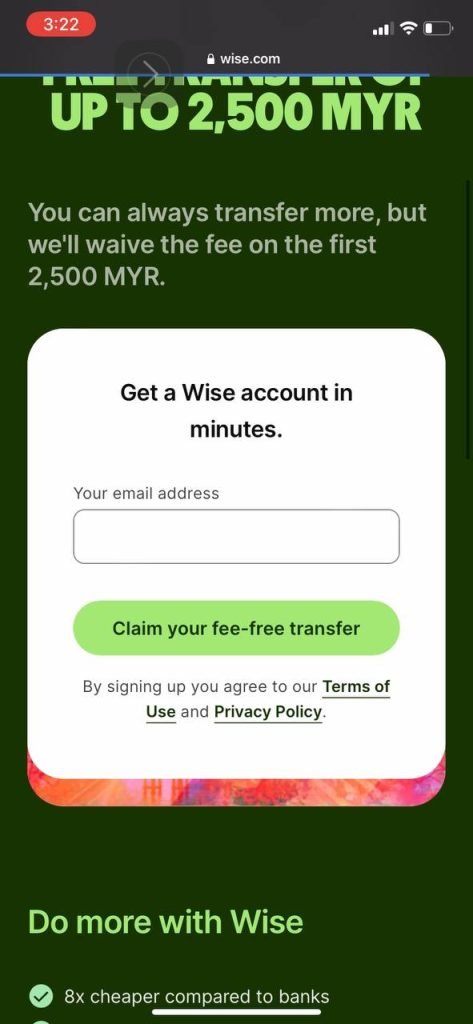
You will receive a free transfer fee for your transfer amount as long as it has not exceeded RM2,500. In short, your cost to transfer money is zero.
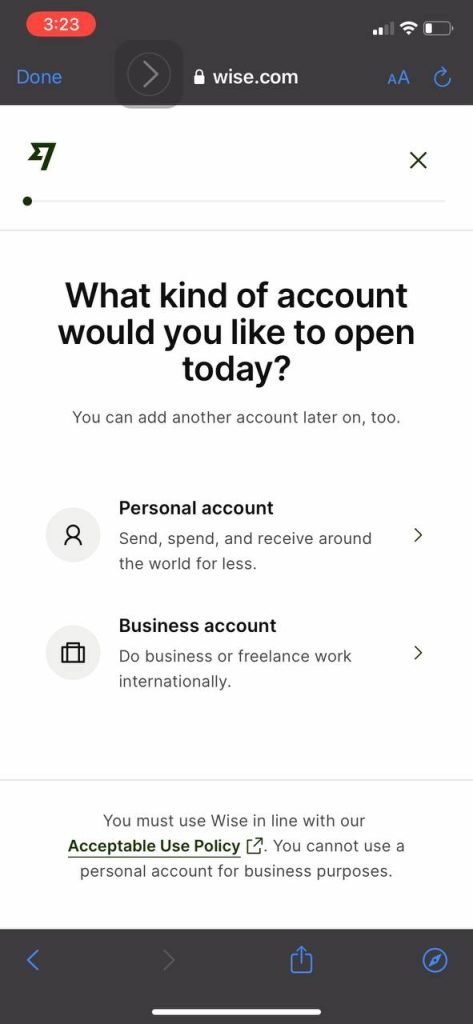
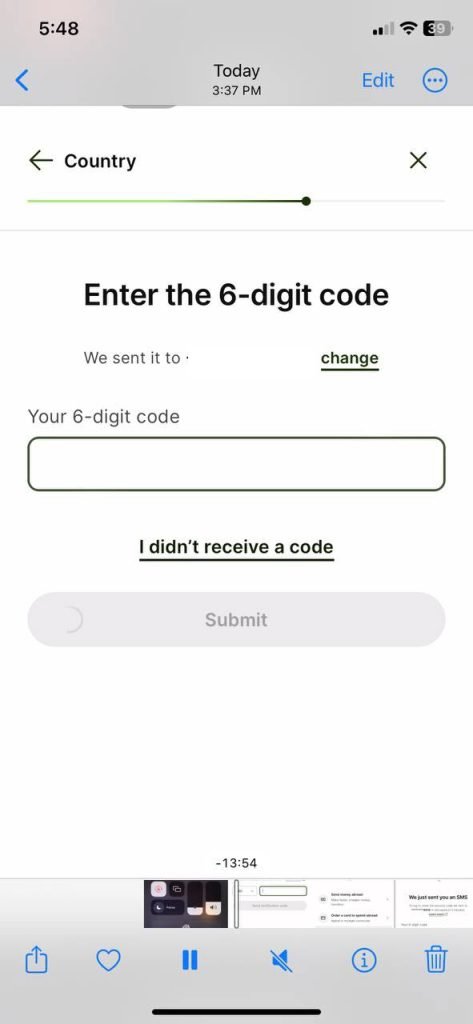
2. Start by entering your Email Address. Select Personal account. You will receive a code on your phone -- enter the code.
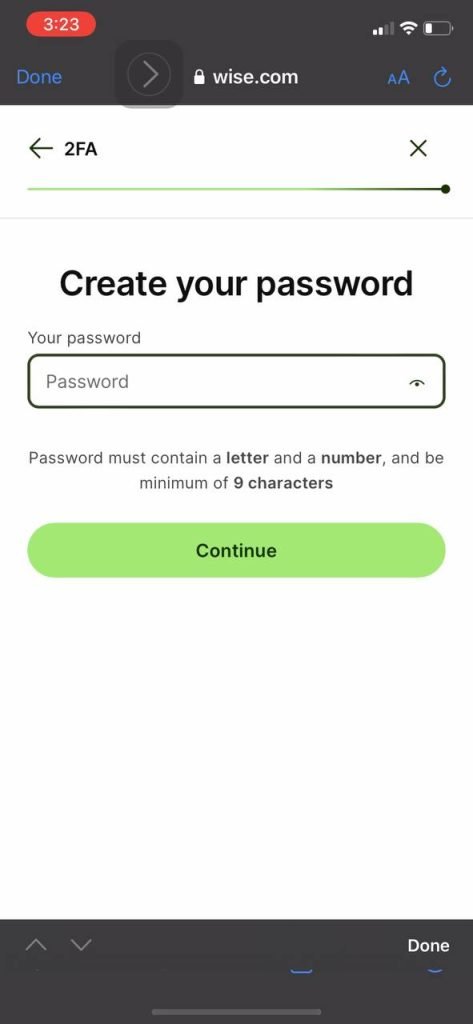
3. Create password. You can click Decide Later.
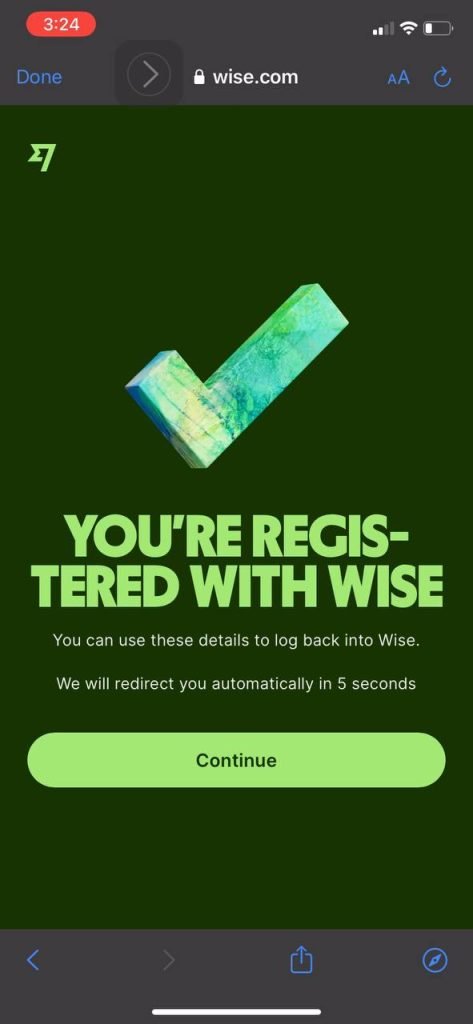
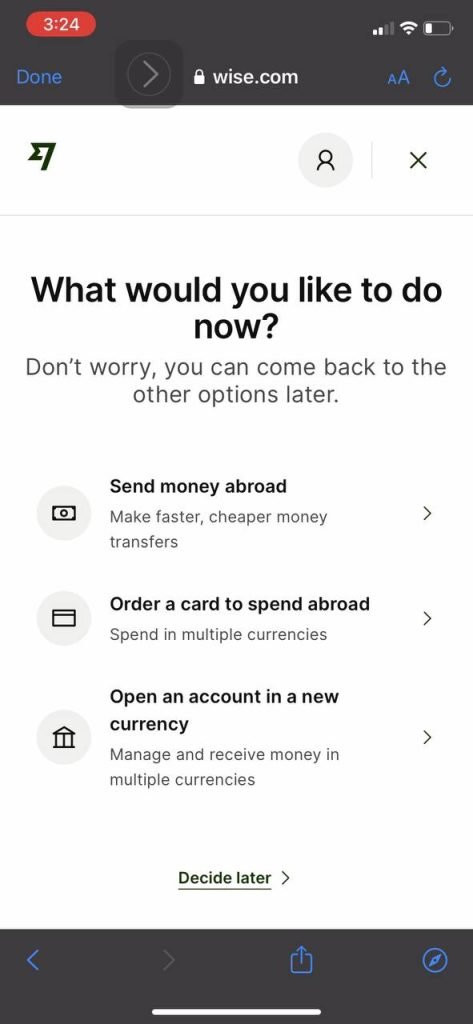
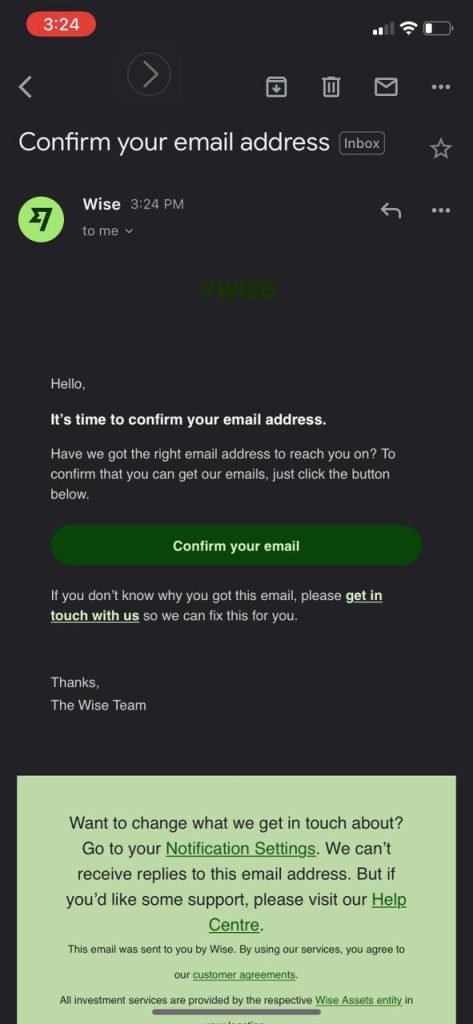
4. Check your email and Confirm Email Address. Log in using the email and password you have created.
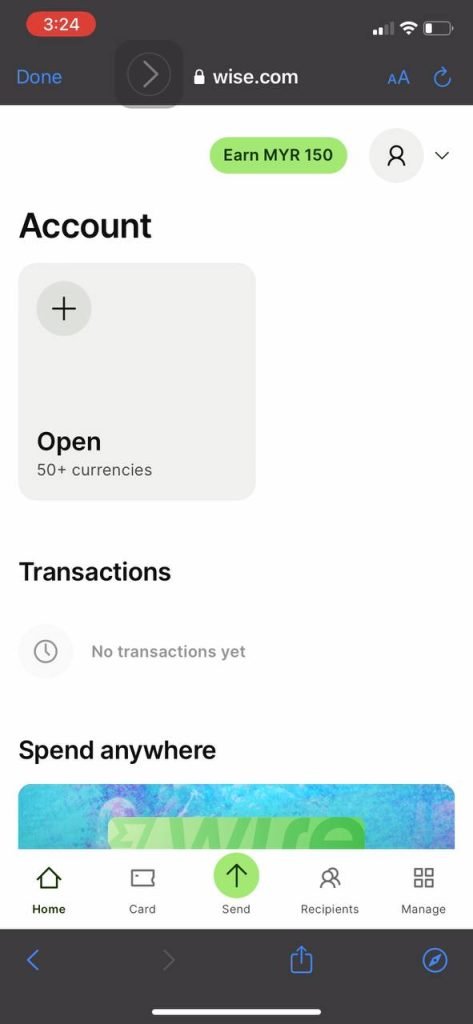
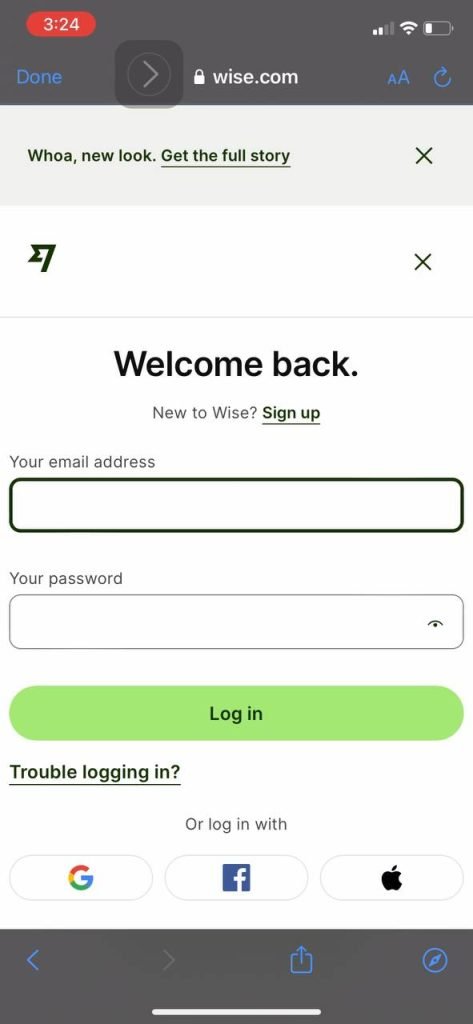
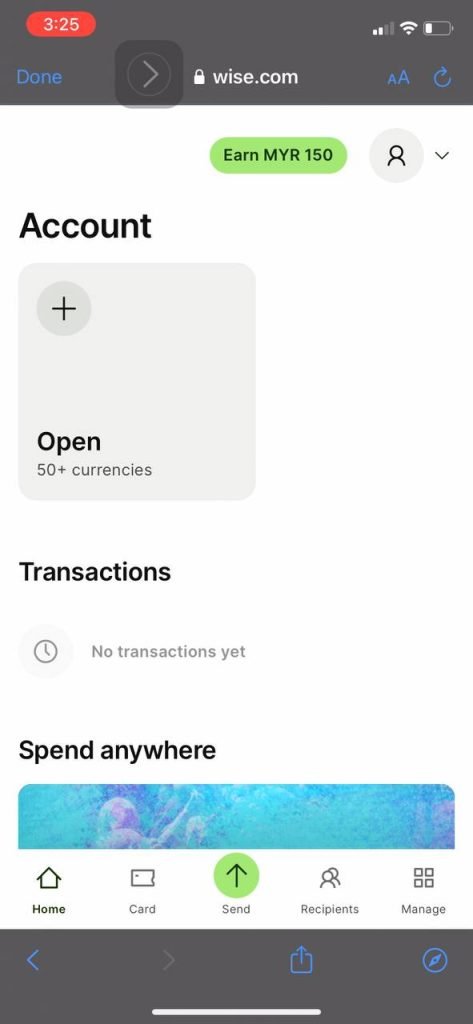
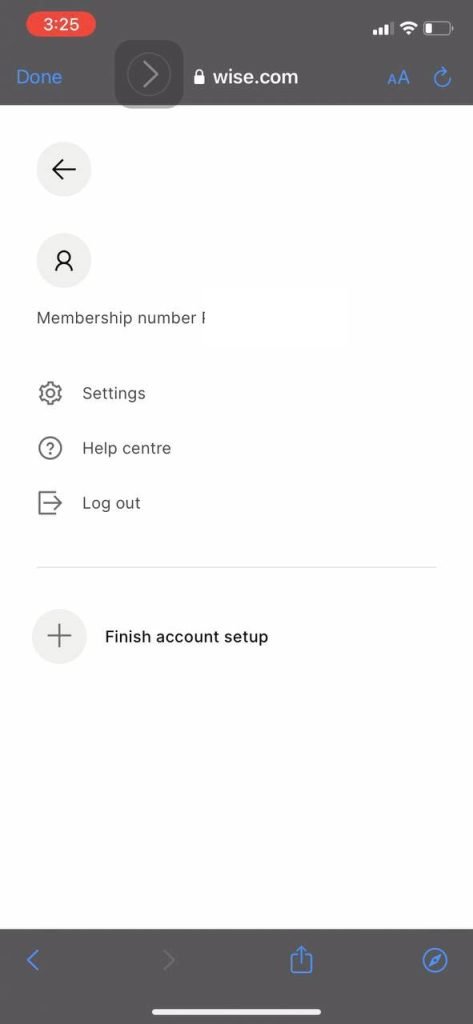
5. In the top right corner, there is a person icon or profile -- click on it. Then click Finish account setup.
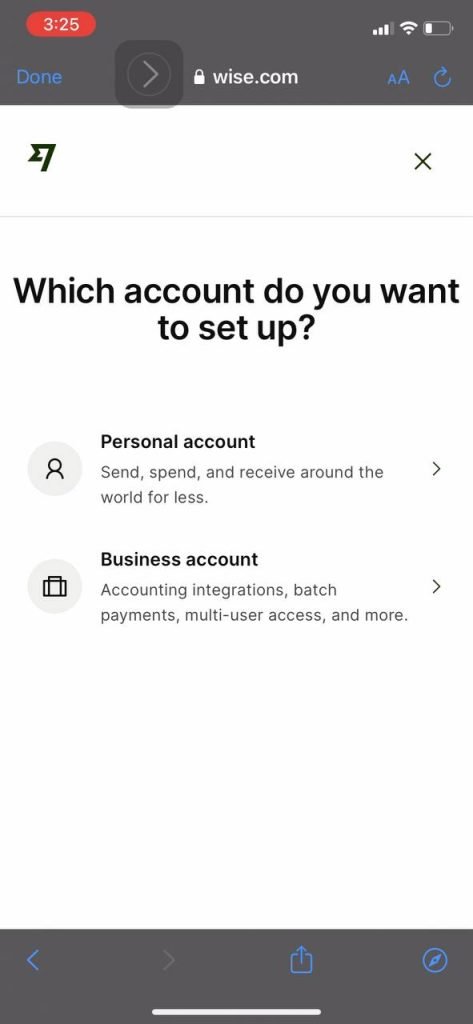
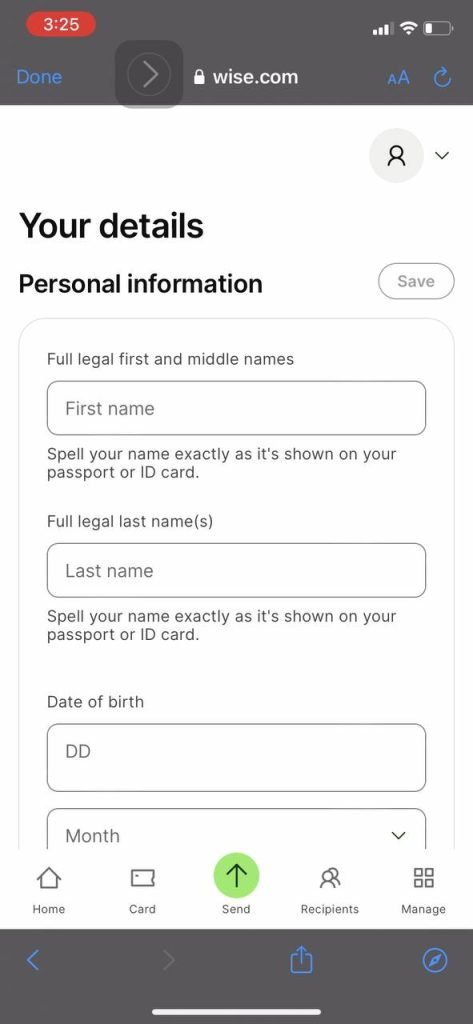
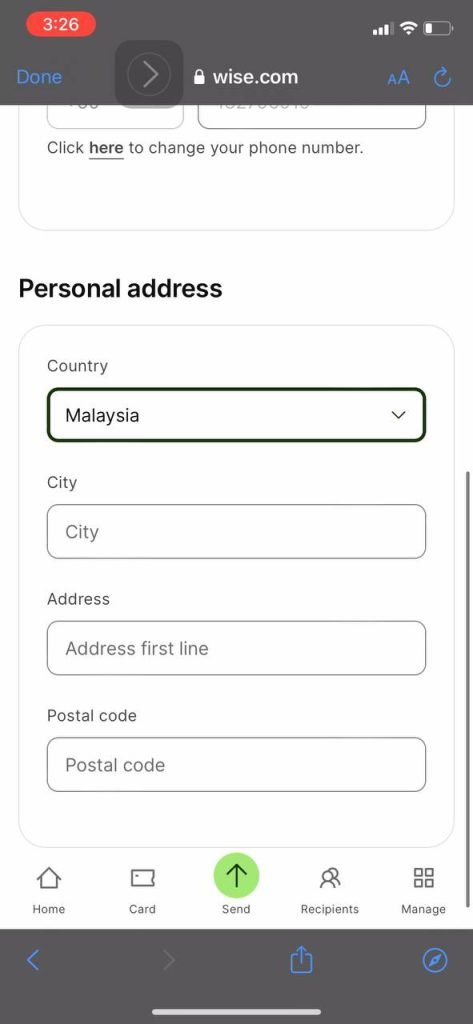
6. Enter your First Name as it appears on your IC, Last Name as it appears on your IC -- do not forget to include BIN or BINTI if it appears on your IC.
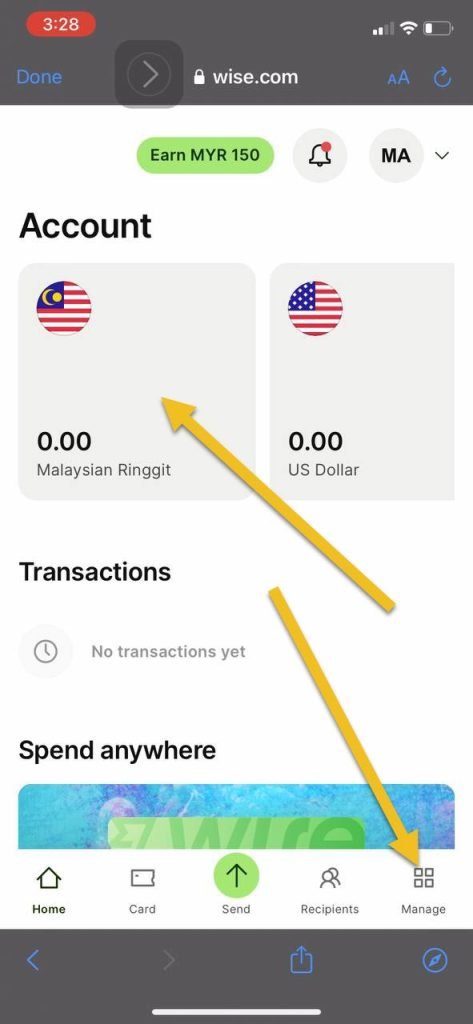
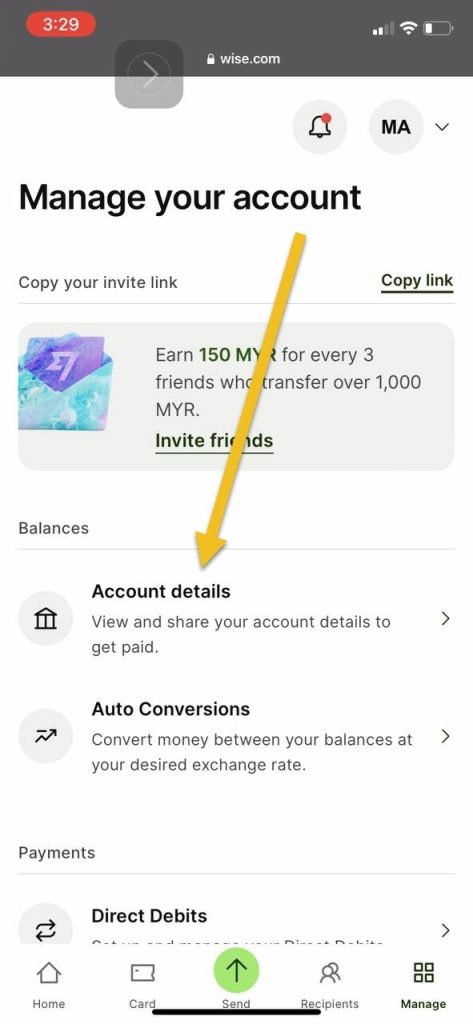
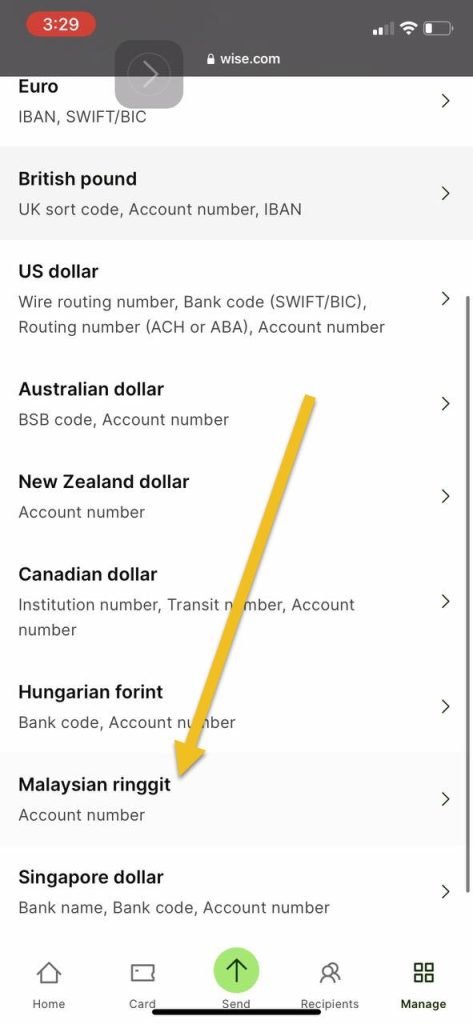
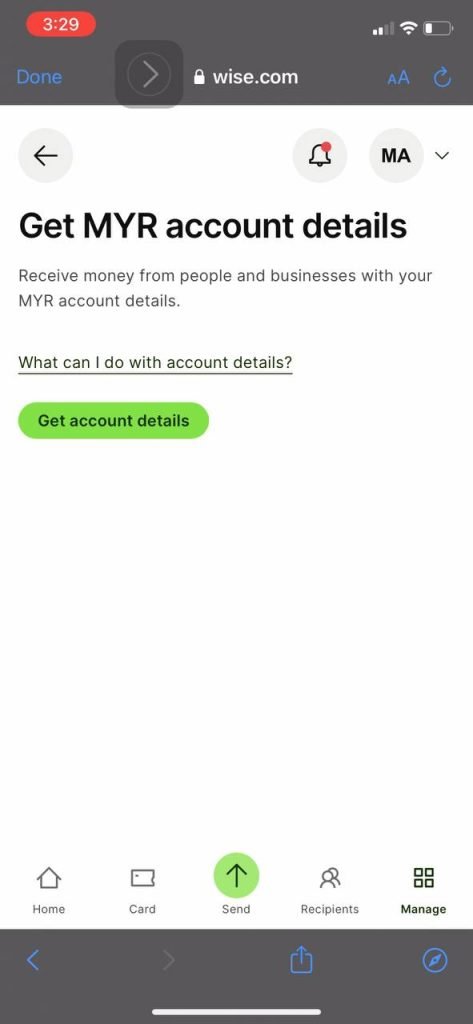
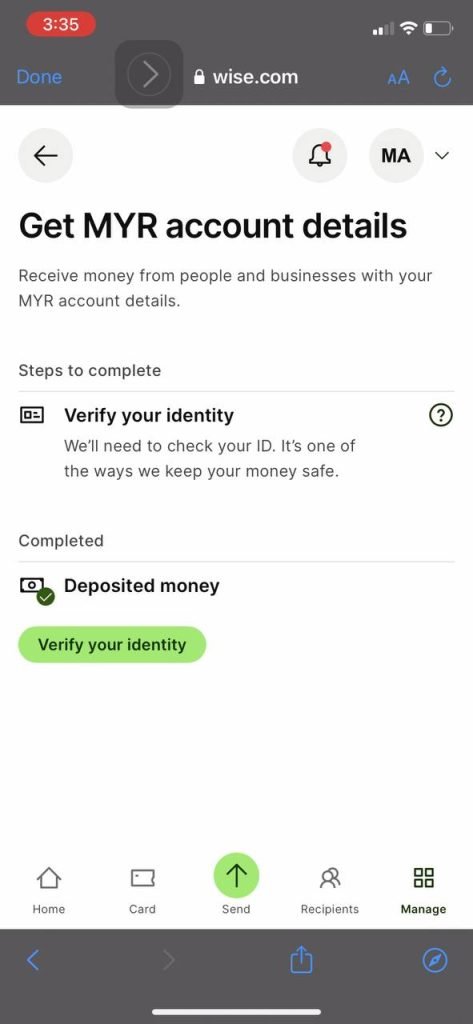
7. Click on either your Malaysian Ringgit account or in the bottom right corner, click Manage. Select account details.
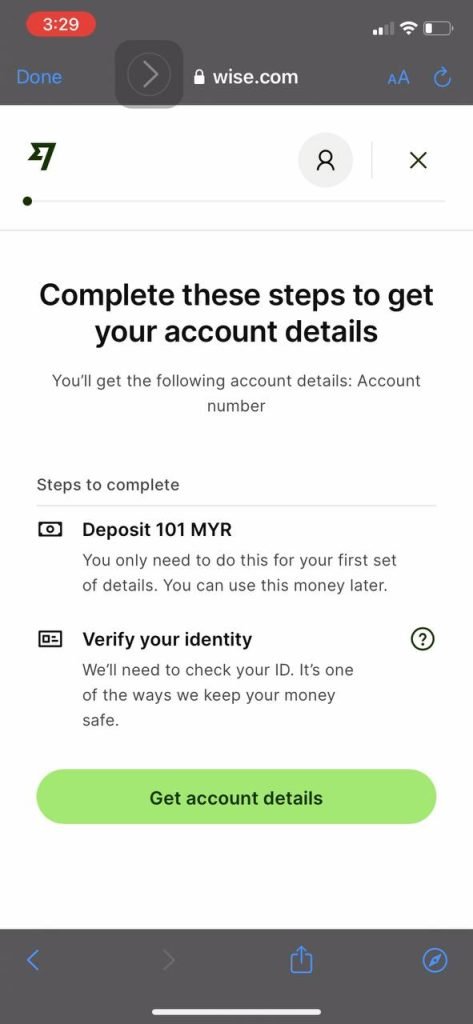
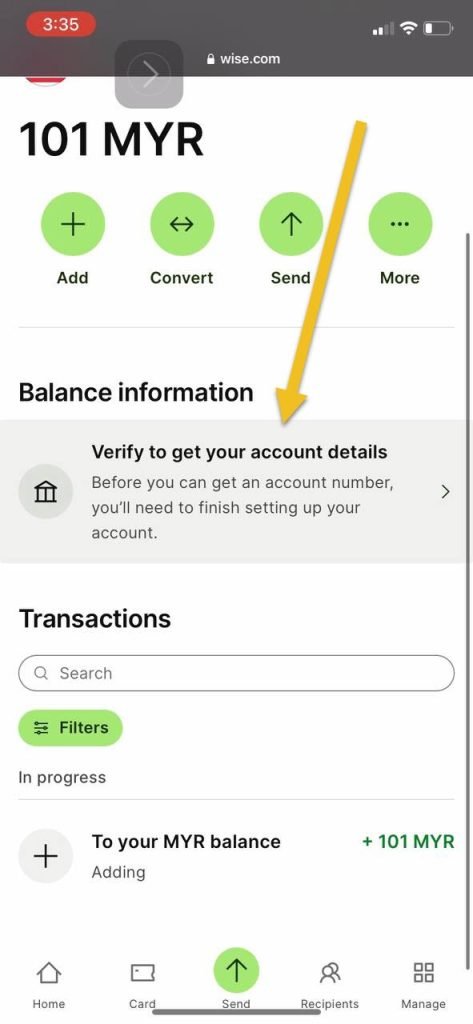
8. You have TWO MANDATORY STEPS: deposit RM101 and also Verify Identity.
9. Select your Nationality, fill in the Occupation section. Verify your identity using your IC.
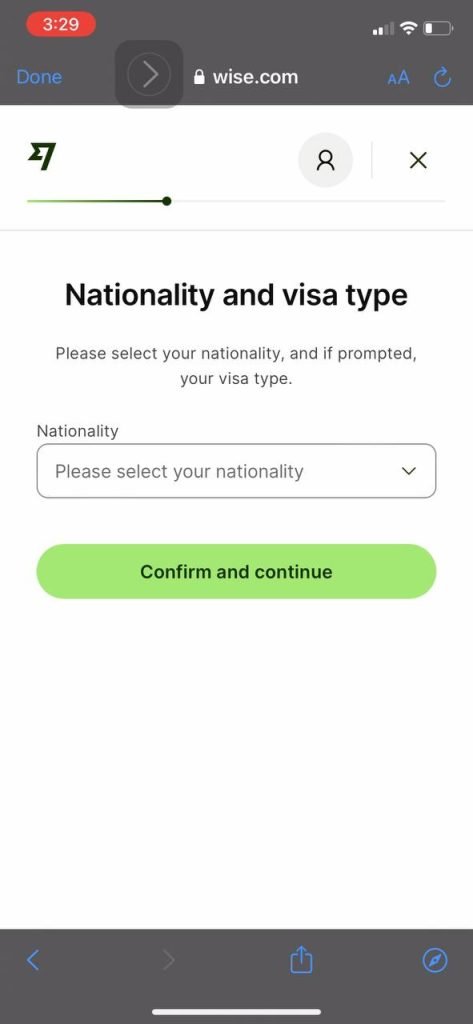
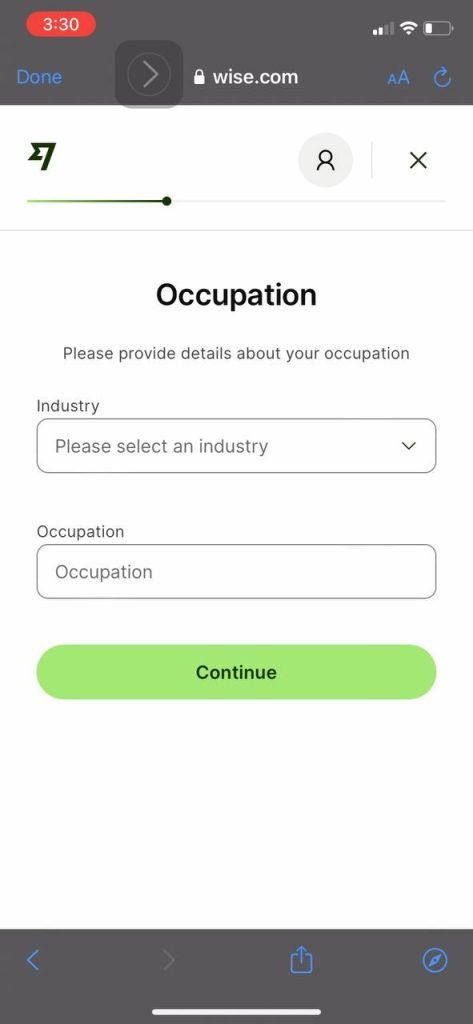
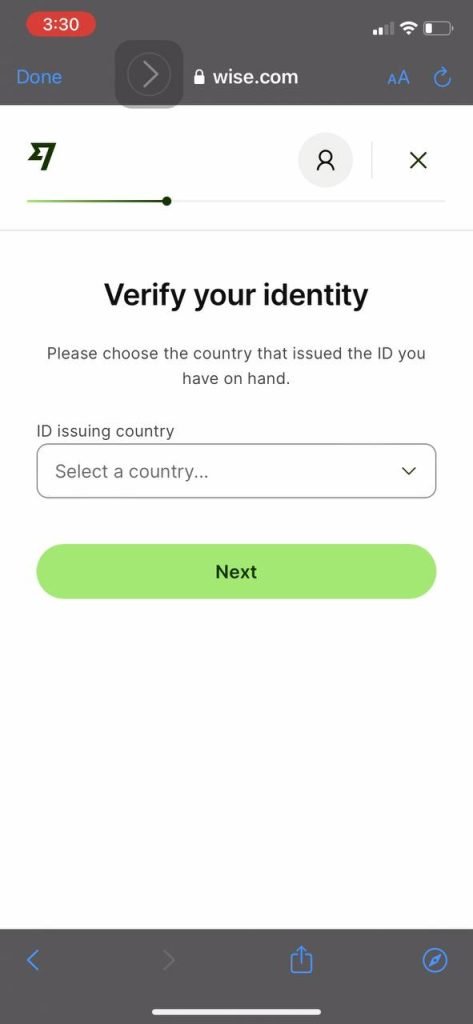
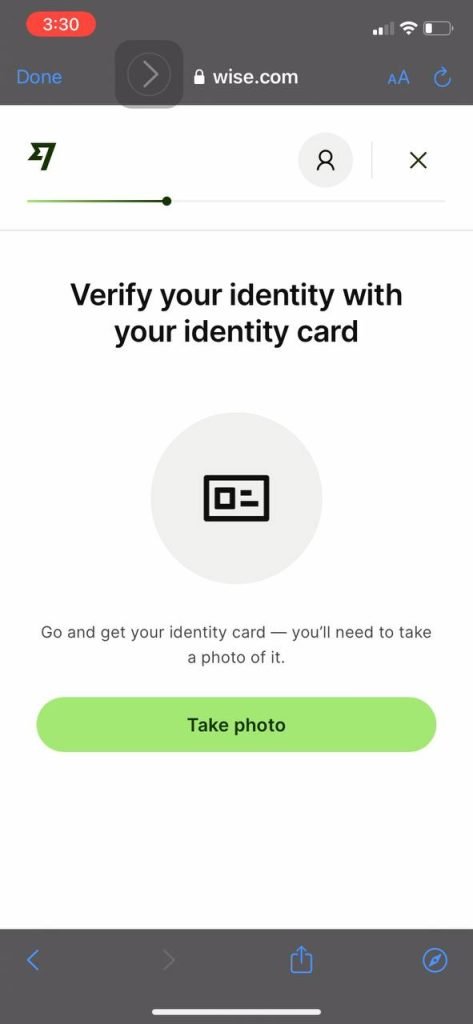
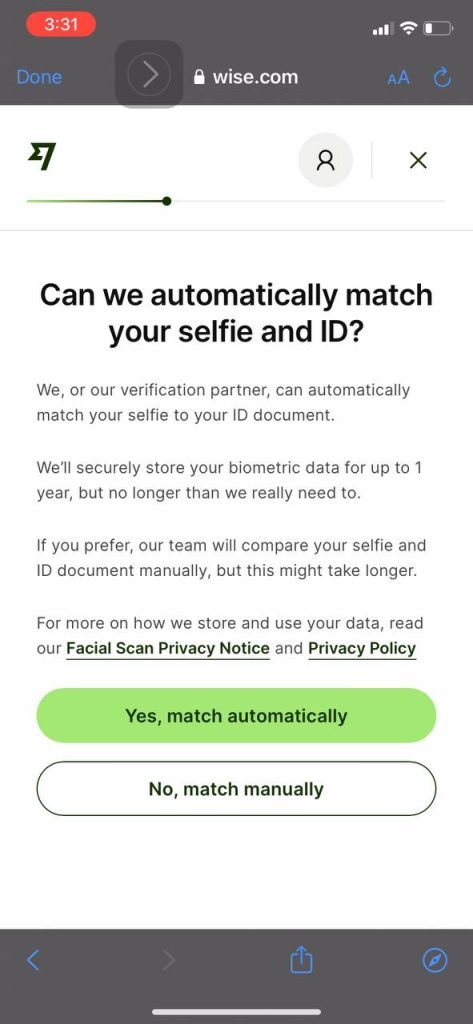
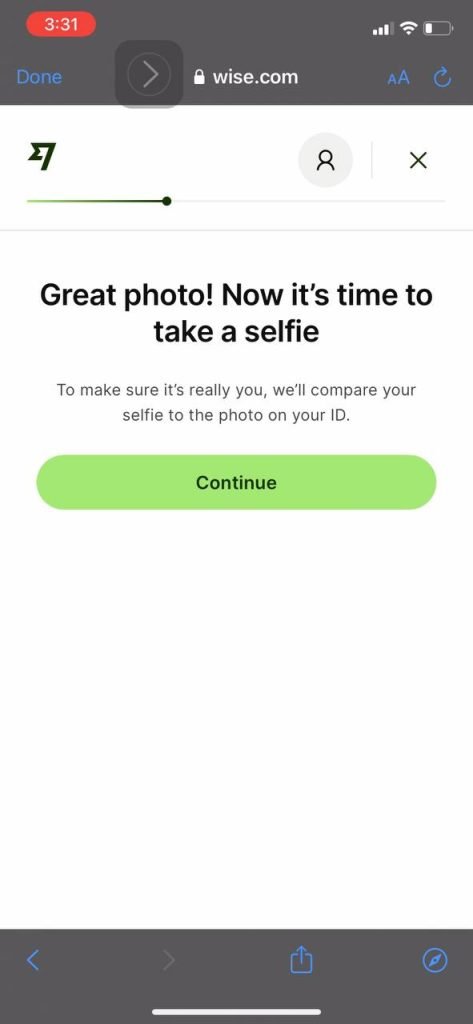
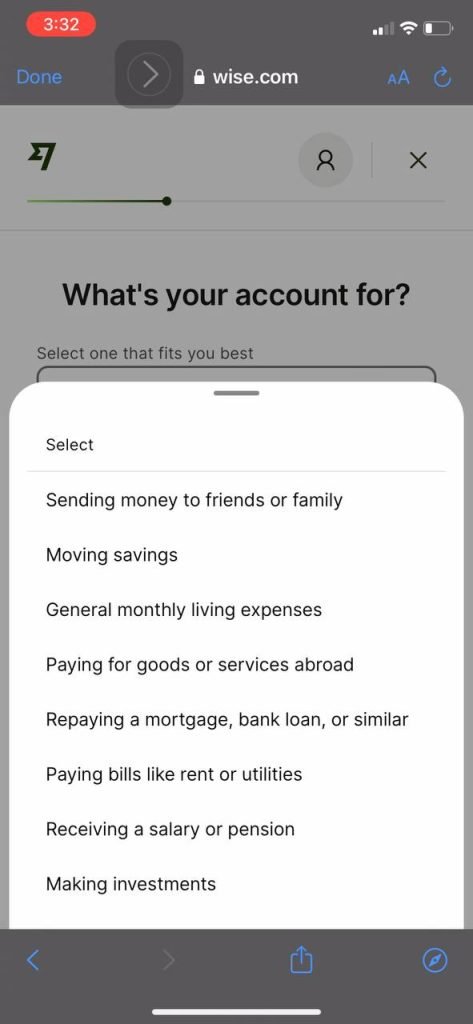
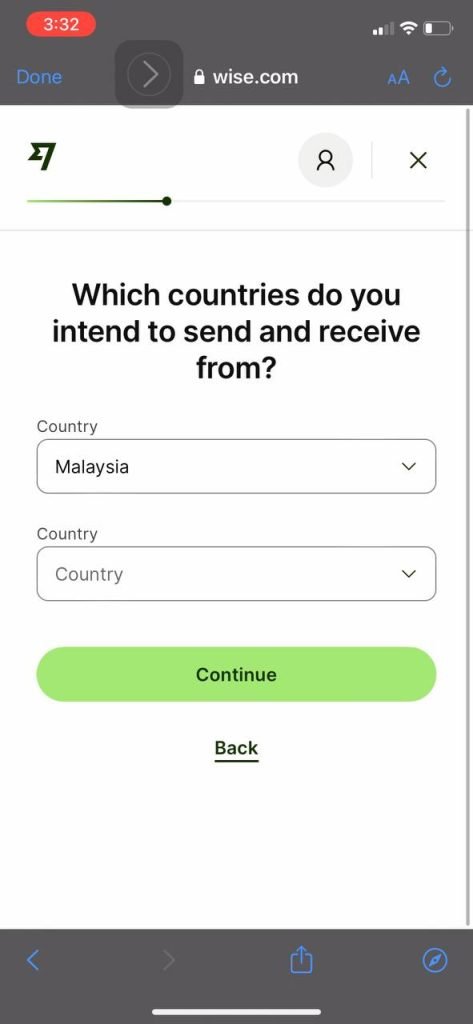
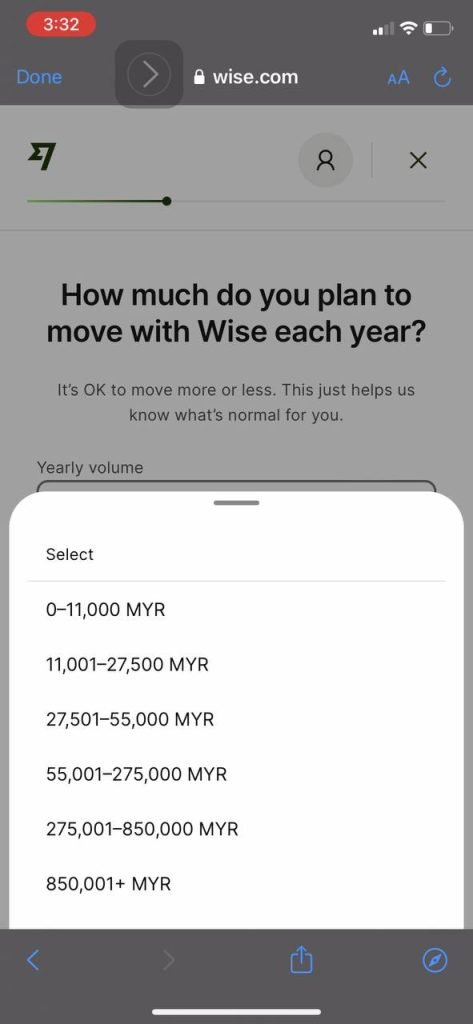
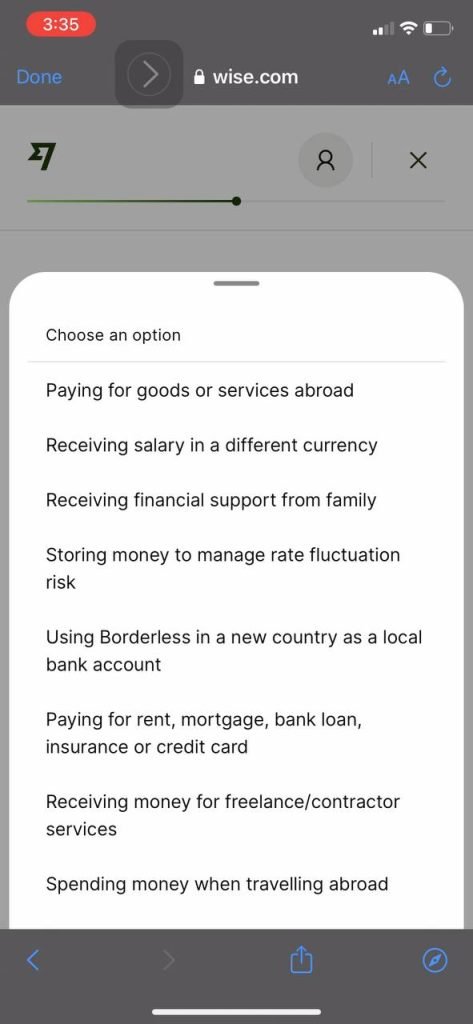
10. Answer the question on why you are using WISE, select Malaysia as your country (you can just press continue after that), and state the amount you wish to transfer using WISE.
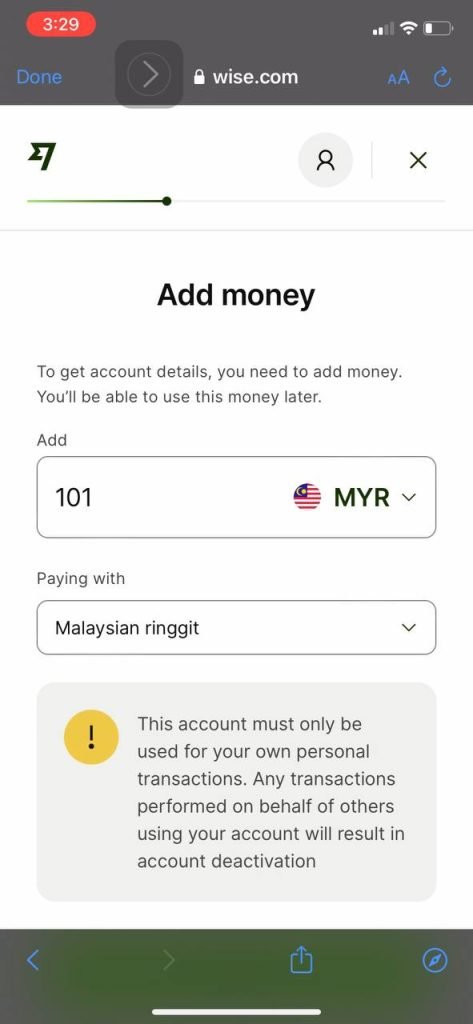
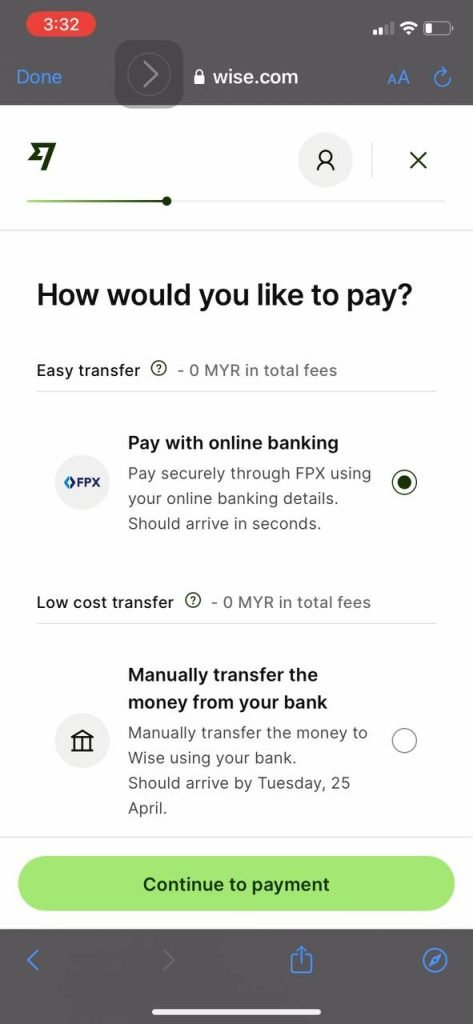
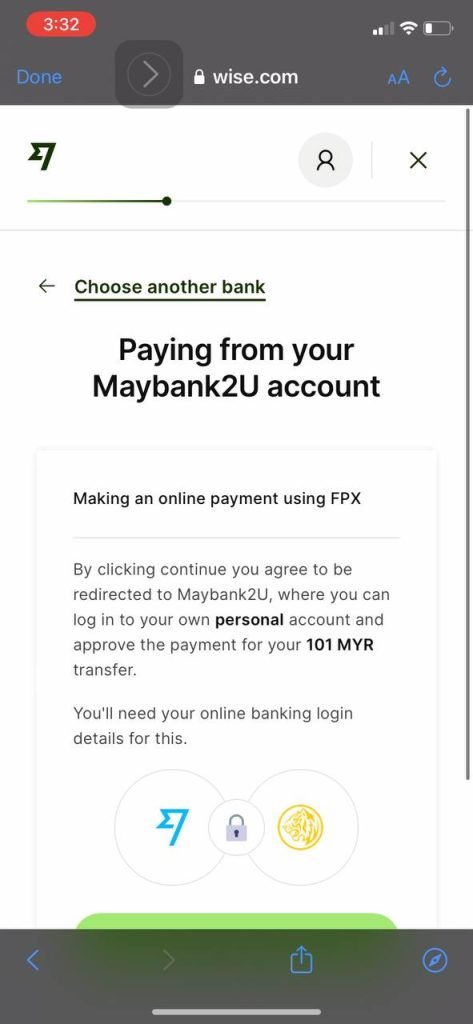
11. For the RM101 transfer required earlier, it is recommended to use FPX. You MUST transfer from your own bank account! After completing the transfer, wait a few minutes and then check your Malaysian Ringgit account again.
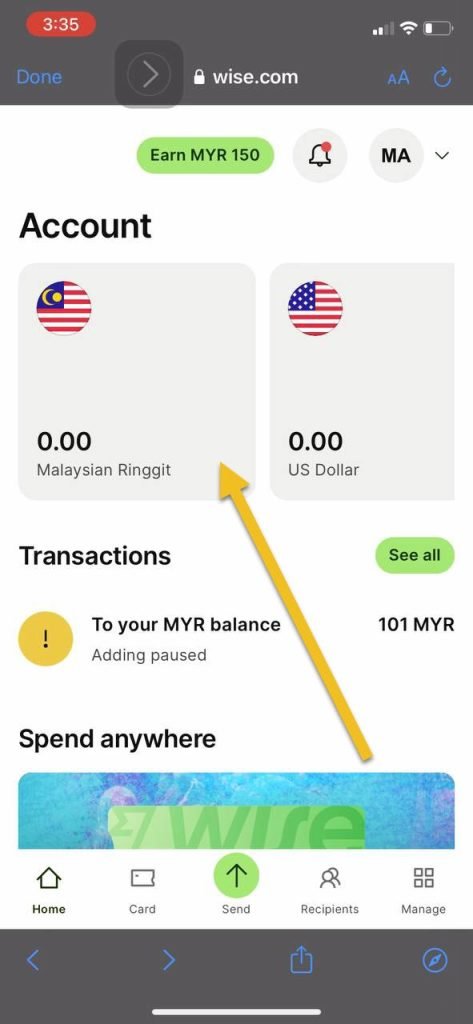
12. Under the Balance Information section, click Verify to get your account details. It will ask you a few final questions.
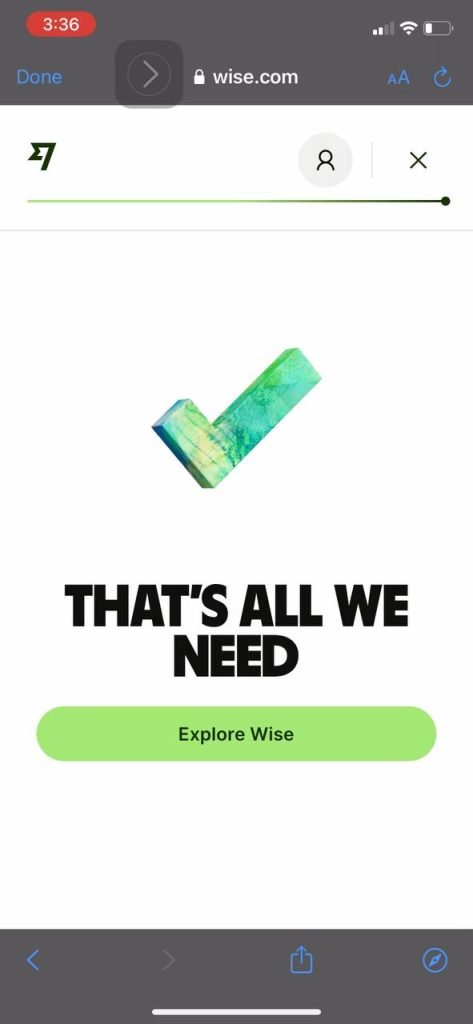
13. CONGRATULATIONS! You now have a WISE account!
Other Advantages
Having a WISE account comes with other advantages such as being able to register for a debit card that can be used anywhere in the world with the best exchange rates. I will cover these features at another time.
If you are using WISE to transfer deposit funds into your Moomoo account for example, you can see how to do so in the article Moomoo -- Global Stock Broker for Overseas Investing.
Frequently Asked Questions (FAQ)
1. Is Wise halal to use?
Wise is a currency exchange platform that uses the real exchange rate without hidden charges. It is not a speculative forex trading platform, so using it for the purpose of currency exchange is permissible.
2. Can I use Wise to deposit into overseas stock investment accounts?
Yes, Wise is commonly used to transfer funds to overseas stock broker accounts such as Moomoo due to its competitive exchange rates and low fees.
3. How long does it take to open a Wise account?
The Wise account registration process takes only a few minutes. However, the identity verification process may take 1-2 working days before your account is fully activated.
4. What are the main advantages of Wise compared to regular banks for currency exchange?
Wise offers a more transparent mid-market exchange rate and significantly lower fees compared to conventional banks. You can also hold multiple currencies in a single account.
Level Up Your Investment Knowledge
Already have a Wise account? Let us diversify your investments into both global and local stock markets.
Open a CDS Trading Account: Want to invest in Bursa Malaysia as well? Open a CDS trading account with Mahersaham for full access to the local market.
Download free Stock Market Basics Ebook: Get our free investment basics ebook to understand the fundamentals of investing from A to Z.