Forgot Your M+ Password? Here's How to Reset Every Scenario

Forgotten password, blocked Trading PIN, or can't remember your User ID - these are among the most common issues faced by investors using the M+ platform from Malacca Securities. Based on our customer support data, over 550 password-related questions are received every month.
This article covers every password-related scenario and how to resolve each one - so you can get back to trading as quickly as possible.
The Basics: M+ Global Uses OTP, Not Passwords
Before we begin, it's important to understand that M+ Global (the latest platform) doesn't use traditional passwords for login. It uses phone number + OTP (One-Time Password) sent via SMS.
This means if you're using M+ Global, you technically don't have a "password" that can be forgotten. Issues that may arise relate to phone numbers, Trading PINs, or access to old M+ Online accounts.
Scenario 1: M+ Global OTP Not Received
M+ Global sends an OTP code via SMS every time you log in. If the OTP doesn't arrive, try these steps:
Solution Steps:
- Verify your phone number - the number registered when you opened your CDS account may differ from your current number
- Wait 1-2 minutes - there can be delays in SMS delivery depending on the telco network
- Check SMS inbox - make sure it hasn't gone into spam or filtered messages
- Delete old messages - a full SMS inbox can prevent new messages from arriving
- Request OTP again - tap the "Resend OTP" button in the app
- Restart your phone - sometimes network issues can be resolved with a restart
If all steps above fail, your registered phone number is likely no longer active. In this case, you need to update your phone number through Mahersaham CS. Read the full guide at How to Update Your M+ Account Information.
Scenario 2: Trading PIN Blocked
The Trading PIN is a 6-digit code you enter every time you confirm a buy or sell order. This PIN can get blocked if you enter it incorrectly too many times.
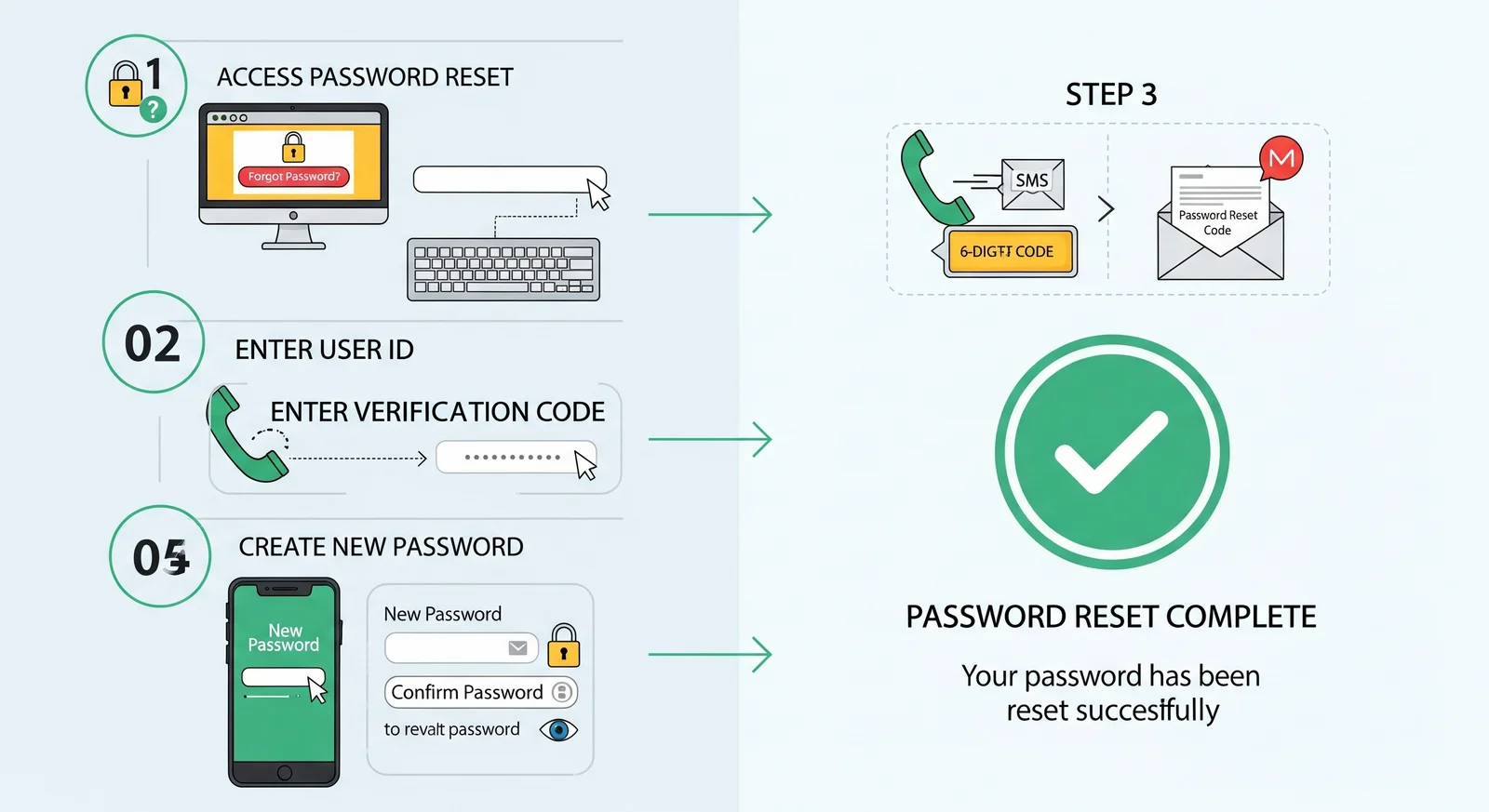
How to Reset Trading PIN:
- Open Telegram and search for @Mahersaham_support_bot
- Tap Request > Reset Password
- Provide your client code (e.g., MR387J, ABC123J)
- CS will request a reset from M+
- Wait for an email from M+ with reset instructions
Important Notes About Trading PIN:
- M+ Global Trading PIN = 6 digits only
- Trading PIN is different from login password (M+ Global uses OTP for login)
- Don't use the same PIN as your ATM PIN or other passwords
- Never share your Trading PIN with anyone
Scenario 3: Forgot M+ Online Password (Legacy Account)
If you still have an M+ Online account that hasn't been migrated to M+ Global, the password can be reset through this process:
How to Reset M+ Online Password:
- Go to @Mahersaham_support_bot on Telegram
- Tap Request > Reset Password
- Provide your client code
- CS will request a reset from M+
- Wait for an email from M+ containing:
- Activation link (MUST click first)
- User ID
- Temporary password
- IMPORTANT: Click the activation link in the email before trying to log in
- Then log in with the User ID and temporary password
- Change to your own preferred password
How Long Does the Reset Take?
Usually within 1-2 business days. Make sure to check your email including the Spam/Junk folder as emails from M+ sometimes end up there.
Note: M+ Online has been discontinued. We strongly encourage you to migrate to M+ Global which is more modern and secure.
Scenario 4: Forgot User ID
User ID is used to log into M+ Online (the old platform). For M+ Global, User ID is not needed as login uses phone number.
How to Recover User ID:
- Contact CS at @Mahersaham_support_bot
- Provide verification information:
- Full name as per IC
- IC number
- Email registered when opening the account
- CS will check and request the User ID from M+
- User ID will be sent to your email
Scenario 5: Account Locked or Suspended
An M+ account can get locked due to several factors:
- 3 incorrect login attempts - system auto-locks for security
- Account inactive for too long (dormant) - if there's no trading activity for a certain period
- Security issues - M+ may lock accounts if suspicious activity is detected
How to Resolve:
- Check latest email from M+ - M+ usually sends an email with instructions to unlock
- If no email, contact Mahersaham CS with your client code
- CS will escalate to M+ to unlock your account
- For dormant accounts, you may need to fill out a reactivation form and submit to M+
Tips to Avoid Password Issues in the Future
- Save your client code - screenshot and save on your phone or password manager
- Update your phone number - if you change SIM cards, immediately update at M+
- Don't reuse PINs - Trading PIN must be different from ATM PIN or other passwords
- Keep your email active - all reset communications are sent to the registered email
- Migrate to M+ Global - M+ Global uses OTP so you don't need to remember any password at all
How to Contact Support
For all password, login, and account access issues:
- Telegram Bot: @mahersahamplatform (Request > Reset Password)
- M+ Hotline: 1300 22 1233
- M+ Email: [email protected]
Frequently Asked Questions (FAQ)
How long does the password reset process take?
Usually 1-2 business days. Check your email including the Spam/Junk folder as M+ emails sometimes end up there.
Can I reset the password myself without contacting CS?
For M+ Global, you don't need a password - just phone number + OTP. For M+ Online (legacy), reset requires going through CS or M+ support directly.
Are Trading PIN and login password the same?
No. On M+ Global, login uses phone number + OTP (no password). Trading PIN is a separate 6-digit code for confirming orders only.
Why isn't my OTP arriving even though my phone number is correct?
Could be due to SMS delay, full inbox, or telco network issues. Wait 1-2 minutes, delete old messages, and request OTP again.
My account is locked after 3 wrong password attempts. What do I do?
Check your email from M+ for unlock instructions. If no email, contact Mahersaham CS with your client code to escalate to M+.
I've changed my phone number. How do I log into M+ Global?
You need to update your phone number first. Contact Mahersaham CS with your client code, name, and IC number for the change process.
What is my client code? How do I find it?
Client code is usually in a format like MR387J or ABC123J. Check the original email from M+ when your account was opened, or contact CS to retrieve it.
Can I use a different email for the reset?
No. Password reset and User ID will only be sent to the email registered when the account was opened. If that email is no longer active, contact CS to update it first.
Conclusion
Most M+ password issues can be easily resolved through the Telegram bot @mahersahamplatform. The most important step is to always keep your client code handy and ensure your registered phone number and email are still active.
If you don't yet have a CDS account and want to start investing, open a CDS account through Mahersaham to get access to Bursa Malaysia and foreign stocks like US and Hong Kong.
Open your CDS account here: mahersaham.com/akauncds
Download the free stock basics ebook to understand investment fundamentals before you start: mahersaham.com/ebookasas
Further Reading
- M+ Online Is Discontinued: Differences & How to Switch to M+ Global
- Getting to Know M+ Global App: Complete Screen Guide
- Phone Number Changed? How to Update Your M+ Account
- CDS Account Service Requests: Reset Password, Market Depth & IPO Financing
- Forgot Your M+ Trading PIN? Here's How to Get It Back