How to Change or Add Your Bank Account Details in M+ (MPlus)

Need to change the bank account registered with your M+ account? Or just realised your old bank account has been closed and withdrawals no longer go through? This is one of the most common requests we receive from clients, and the process is a little different from other detail updates because it involves physical forms. This article walks through the entire process step by step, including the special case of depositing from the wrong bank account.
Quick answer: Changing or adding bank account details in your M+ account cannot be done in the app. You need to fill in the official M+ hardcopy forms, attach a copy of your IC and copies of your bank statement header, then post them. The Mahersaham support team will provide the forms, guide you through filling them in, and check your forms before posting so they are not rejected by M+.
Why the Bank Details in Your M+ Account Matter So Much
Every M+ account is linked to one registered bank account in your own name. All withdrawals from your trading account are paid only to this registered bank account - not to any other account, and never to a third party. This is a standard broker security measure under Bursa Malaysia rules, protecting investors' money from fraud and money laundering.
That is why, if your bank account changes, your M+ records need to be updated first. Until they are, your withdrawal requests can be delayed or fail. To understand the withdrawal process itself, see How to Withdraw from Your Mplus Account.
When You Need to Change or Add Bank Details
Common situations that require a bank detail update:
- Your old bank account has been closed - the most frequent case; withdrawals fail because the destination account no longer exists.
- You want to use a different bank for withdrawals - for example, switching to a bank that is more convenient for your daily banking.
- Your bank account is inactive (dormant) - the bank rejects incoming funds to a long-unused account.
- Your account number has changed - some banks restructure account numbers after mergers or system upgrades.
Documents Required
Prepare the following before you start:
- The official M+ forms for bank detail changes - request them from the Mahersaham support team. We will provide the correct set of forms together with the number of copies required for each.
- One copy of your identity card (IC) - front and back, clear and not cropped.
- Three copies of your bank statement header - the top section of your statement showing your full name, account number and bank name. An e-statement from your banking app works too, as long as all three details are visible.
Important: the new bank account must be in your own name, matching the name on your CDS account and identity card. Joint accounts or accounts belonging to a spouse or family member cannot be accepted.
Generate Pre-Filled Forms from Your Dashboard (The Easiest Way)
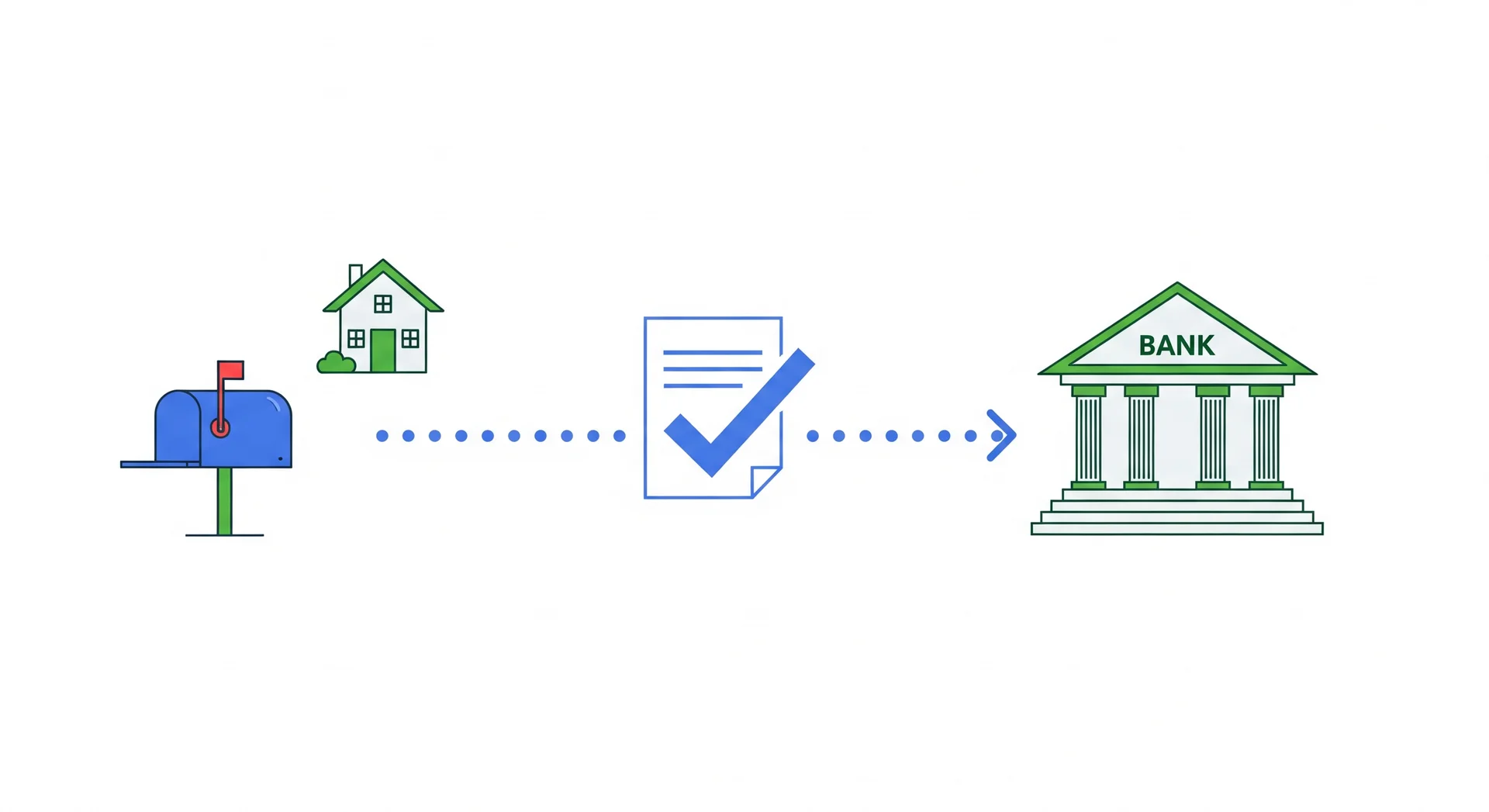
Good news: you no longer need to fill in the forms by hand. Log in at mahersaham.com/dashboard/borang/tukar-bank and the system fills in the forms automatically using your account details - you only need to type your new bank name and account number.
- The complete pack is generated instantly: an instruction cover page, the Updating of Account Particulars form, and 3 copies of the Bursa CDS form - all pre-filled.
- A live PDF preview is shown - check the details, then press Print or Download.
- All that is left is to sign, prepare the attachments (IC copy and bank statement headers), and post.
The full steps below still apply - the difference is your forms arrive neatly pre-filled, which greatly reduces the risk of rejection due to filling mistakes.
Step by Step: The Bank Detail Change Process
Here is the full flow from start to finish:
- Contact the Mahersaham support team at t.me/mahersahamplatform or via live chat on the website, and let us know you want to change your bank details. Include your client code for faster checking.
- Get the form set - the easiest way is to generate pre-filled forms from your dashboard as described above. The team can also provide blank forms with a copy-count guide if you prefer to fill them in yourself.
- Print and fill in the forms - the details usually required are your CDS number, IC number, full name, new bank details, and signature. Do not write the date on the forms - this is important, as the date is filled in when the forms are processed.
- Send photos of your completed forms to the team for review - strongly recommended before posting. Most M+ rejections are caused by incomplete or incorrectly filled forms, and an early review saves you from repeating the whole postal process.
- Place all forms and attachments in a plastic sleeve before putting them in the envelope or parcel - so the documents are not damaged in transit.
- Post to the address provided by the team and share the tracking number after posting so we can monitor the delivery.
- Wait for confirmation - once the forms arrive and are submitted to M+, the update usually takes a few working days. The team will inform you once it is done.
Why Does M+ Still Use Physical Forms for Bank Details?
Many clients wonder why this cannot be done online when password resets and other requests can. The answer: your bank details are the destination of your money. If a scammer takes over your email or phone, their first move would be to change your withdrawal bank account to their own. A physical form with an original wet signature, compared against your account opening records, is a layer of defence that is very hard to fake remotely.
So although the process feels tedious, it is protecting you. The same practice is used by most licensed brokers in Malaysia under the supervision of the Securities Commission Malaysia.
Quick Checklist Before Posting
Before sealing the envelope, run through this list:
- All forms printed in the number of copies specified by the team
- CDS number, IC number and name filled in correctly and consistently on every copy
- New bank details written clearly - account number double-checked
- Signature on every required copy, matching your account records
- Date field left BLANK
- One copy of your IC (front and back) included
- Three copies of your bank statement header included
- Photos of all documents sent to the team and confirmed OK
- All documents placed in a plastic sleeve before going into the envelope
After posting, keep the receipt and send the tracking number to the team. That is all - we handle the rest.
What Happens After You Post
For your reference, here is your form's journey after it is posted:
- The forms reach the team - we do a final physical check before submitting them to M+.
- M+ (Malacca Securities) processes them - the relevant department verifies the signature against original records and checks the supporting documents.
- Records are updated - the new bank account is registered in the system, and future withdrawals will be processed to that account.
Throughout this period, your trading account works as usual - you can still buy and sell shares. Only withdrawals depend on the bank details being updated.
Want to Add a Bank Account for Withdrawals?
"How do I add a bank account for withdrawal" is another frequent question. The process is the same as the change process above - using the same forms, since you are essentially updating the bank account records registered with M+. Keep in mind:
- Any additional account must also be in your own name.
- Withdrawals are still processed to the registered bank account - make sure the account you want to use is the one listed in M+ records.
- If you are not sure which bank account is currently registered, ask the support team with your client code.
Special Case: Deposited Using the Wrong Bank Account
There are also cases where a client makes a deposit using the wrong bank account - for example, accidentally using a company account or a third party's account. In these cases, the transaction is usually not processed on M+'s side, but the money has already been deducted from the bank. The money is not lost - it will be returned, but you need to submit a refund request.
How: send an email to [email protected] (the Malacca Securities collection department) with the following details:
- Client Name (your full name)
- Client Code
- Bank Account Holder's Name (the owner of the account used)
- Bank Account Holder's IC No.
- Bank Account No.
- Bank Name
- Amount (the amount deducted)
Attach a screenshot of the failed transaction and proof of the deduction from your bank statement. This speeds up M+'s checking. To avoid this issue in future, always deposit from your own registered bank account - see How to Deposit into Mplus Global for the correct method.
How Bank Changes Differ from Other Detail Updates
Not every detail update needs physical forms. Here is a quick comparison:
| Type of Update | Method | Reference |
|---|---|---|
| Bank details | Generate pre-filled forms on the dashboard, then print + post | This article |
| Phone number | Forms, or email [email protected] directly | How to change your M+ phone number |
| Mailing address | Online via the Bursa Anywhere app | Change your CDS address using Bursa Anywhere |
| Password reset / market depth / IPO financing | Online via the Mahersaham dashboard | CDS account service requests |
Bank details are the only update that still requires fully physical documents, for the security reasons explained earlier.
Common Mistakes That Get Applications Rejected
- Writing the date on the forms - leave the date field blank.
- Bank statement copies not showing the header - make sure your name, account number and bank name are all clearly visible.
- Bank account name not matching your IC/CDS name - the account must be in your own name, with identical spelling.
- Signature differing from your records - use the same signature as when you opened your CDS account.
- Posting without the team's review - send photos of the forms first; corrections after posting mean starting over.
Frequently Asked Questions (FAQ)
Can I change my bank details fully online?
Filling in the forms can now be done online - generate a pre-filled form pack at mahersaham.com/dashboard/borang/tukar-bank. However, submission still requires signed physical forms sent by post, because M+ verifies your original signature against your account records.
Can I register my spouse's or a family member's bank account?
No. The bank account must be in your own name, matching the name on your identity card and CDS account. This is a security requirement with no exceptions.
How long does the bank detail change take?
It depends on postal delivery time and M+'s checking. Generally a few working days after the forms arrive. Sending photos of your forms for early review is the best way to make sure the process is not delayed by mistakes.
What is the "bank statement header" that is required?
The top section of your bank statement showing your full name, account number and bank name. You do not need to provide the full transaction statement - the header section is enough.
I deposited using a company bank account by mistake. Is my money gone?
No. Such transactions are usually not processed, and the money will be returned after you send a refund request to [email protected] with the details and proof of transaction. See the "Special Case" section above for the full list of information required.
Why did my withdrawal fail even though I have a balance?
One common cause is that the registered bank account has been closed or is inactive. Check with the support team which bank account is registered in your records, and update it if needed.
Do I need to visit an M+ office for this?
No. Everything can be completed by post with the help of the Mahersaham support team. We will check your forms before posting to make sure everything is complete.
I have both a Bursa account and a Global account. Do I need to update both?
Let the support team know about both accounts when requesting the forms. The team will make sure the form set provided covers all related accounts so your bank details stay consistent across all M+ records, without repeating the process twice.
Is there a fee for changing bank details?
Based on our clients' experience, no fee is charged by M+ or Mahersaham for bank detail updates. Your only costs are printing the forms and postage.
Can I use an e-statement from my banking app?
Yes, as long as the header shows your full name, account number and bank name clearly. Download the PDF e-statement, print it, and use the top section.
How do I know my application was successful?
Share your tracking number after posting so the team can monitor it. Once M+ finishes processing, the team will inform you. You can also test with a small withdrawal to the new account.
Conclusion
Changing your bank details in an M+ account requires physical forms, a copy of your IC and bank statement headers, plus a little patience for the postal process. The keys to success are simple: follow the copy count guide, do not write the date, and send photos of your forms to the team for review before posting. Do that, and your application will pass M+'s checks on the first attempt.
Don't have an account to start investing yet? Begin with the first step.
Open your CDS trading account here to invest in Bursa Malaysia as well as foreign stocks such as the US and Hong Kong markets.
New to the stock market? Download our free Stock Market Basics Ebook first.