Forgot Your M+ User ID or Client Code? Here's How to Retrieve It

Forgot Your M+ User ID or Client Code? Here's How to Retrieve It
User ID and Client Code are two important pieces of information you need to access your M+ trading account. Many clients confuse the two, or forget them because they're rarely used.
This article answers all questions related to User ID and Client Code based on over 260 real questions from Mahersaham clients. Each step is clearly explained so you can resolve it yourself.
Difference Between User ID and Client Code
Before we begin, it's important to understand the difference between these two:
| Item | User ID | Client Code |
|---|---|---|
| What is it | ID to log in to the M+ platform | Your CDS account identification number |
| Format | Usually email or alphanumeric code | Example: ABC1234 or 12345678 |
| Used for | Login to M+ Online (legacy) | Verify identity, contact CS, check portfolio |
| M+ Global | Not needed (uses phone number) | Still needed for CS matters |
Important note: In M+ Global, you log in using your phone number + OTP, not User ID. However, Client Code is still required when dealing with customer support.
How to Retrieve Your User ID (Step by Step)
If you're still using M+ Online (before migration to M+ Global) and forgot your User ID:
Step 1: Contact Mahersaham CS
Go to @mahersahamplatform on Telegram.
Step 2: Press Request
In the Telegram bot, press the Request button to start the process.
Step 3: Provide Verification Information
CS will ask for the following information to verify your identity:
- Full name (as per IC)
- IC number
- Email registered when opening the account
Step 4: Wait for Response
CS will check and request your User ID from M+. The User ID will be sent to your registered email.
Step 5: Check Email
Check your email inbox (including the Spam/Junk folder). User ID is usually sent within 1-2 business days.
Tip: If you've already migrated to M+ Global, you no longer need a User ID. M+ Global uses phone number + OTP for login.
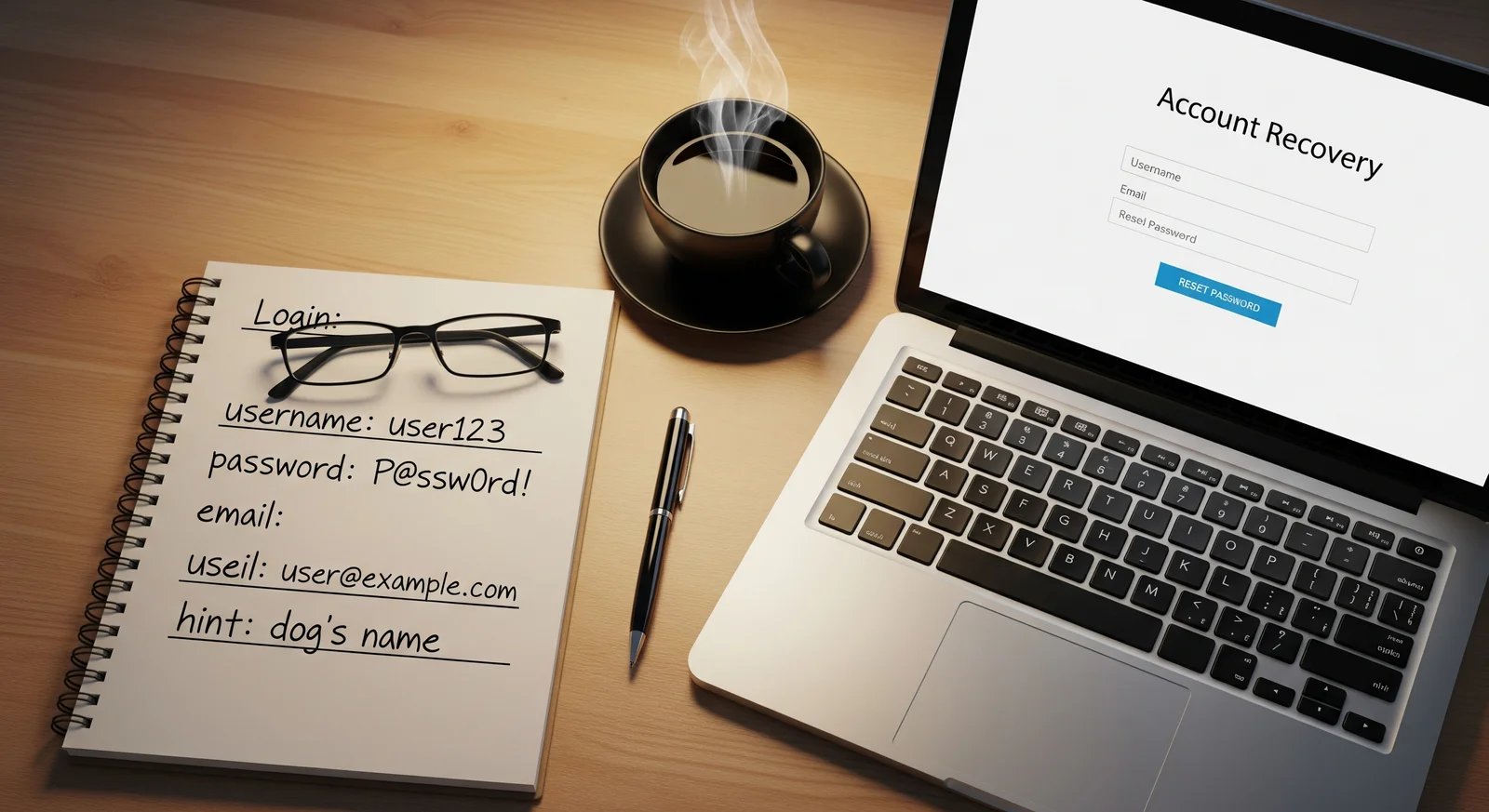
How to Find Your Client Code (Step by Step)
Client Code is more important because it's needed for various matters. Here are several ways to find it:
Method 1: In M+ Global App
- Open the M+ Global app and log in
- Tap the Account or Profile section (usually in the top right corner or bottom)
- Your Client Code will be displayed under Account Info or Profile Details
- Screenshot and save for future reference
Method 2: In Account Opening Email
- Search for email from Malacca Securities or M+ sent when you opened your CDS account
- Search email with keywords: "client code", "CDS account", "welcome", or "Malacca Securities"
- That email usually contains your Client Code
Method 3: In Contract Note / Statement
- If you've made transactions before, check email for contract notes or daily statements
- Client Code is shown at the top of every contract note and statement
Method 4: Contact Mahersaham CS
- Go to @mahersahamplatform on Telegram
- Provide your full name and IC number for verification
- CS will check and provide your Client Code
Why Is Client Code Important?
Client Code is needed for the following:
- Password reset - CS needs Client Code to verify identity before resetting
- Trading PIN reset - same as password reset
- Phone number change - identity verification required
- Portfolio check via CS - if the app is having issues
- IPO application - some IPO applications require Client Code
- Bank deposit - some deposit methods require Client Code as reference
Common Problems and Solutions
"I never received an email with my Client Code"
This may happen if your email was incorrect during registration, or the email went to Spam. Solution: Contact CS with your full name and IC number. CS can check and provide your Client Code manually.
"My Client Code has both letters and numbers, is that correct?"
Yes, Client Code usually consists of a combination of letters and numbers (e.g., ABC1234). The format varies depending on when the account was opened.
"I have two Client Codes, which one is correct?"
This may happen if you have more than one CDS account (e.g., direct account and nominee account). Contact CS to confirm which one is active.
"Can I change my User ID?"
User ID usually cannot be changed as it's set by the M+ system. However, in M+ Global, you don't need a User ID - log in directly using your phone number.
Tips for Safely Storing Login Information
- Screenshot your Client Code and save in a special folder on your phone - you'll need it anytime
- Use a password manager (e.g., Google Password Manager, Bitwarden) to store all login info
- Write it in a physical notebook as backup - keep in a safe place
- Never share your Client Code or login info with strangers
- Forward the account email to yourself with a special label so it's easy to find later
Frequently Asked Questions (FAQ)
What's the difference between User ID and Client Code?
User ID is used to log in to the M+ Online platform (legacy). Client Code is your CDS account identification number needed for CS matters and identity verification.
What do I use to log in to M+ Global?
M+ Global uses phone number + OTP for login. You don't need a traditional User ID or password.
How do I find my Client Code in M+ Global app?
Open M+ Global app, go to the Account or Profile section. Your Client Code will be displayed under Account Info or Profile Details.
Can my Client Code change?
No. Client Code is permanent and unique to each CDS account. It doesn't change as long as your account is active.
I don't remember the email I registered with. What should I do?
Contact CS at @mahersahamplatform with your full name and IC number. CS can check the registered email in the system and help update it if needed.
How long does it take to retrieve a User ID?
Usually 1-2 business days after CS submits the request to M+. Check email including the Spam/Junk folder.
Why do I need a Client Code if I already log in with my phone number?
Client Code is still needed for CS matters like password reset, Trading PIN reset, phone number change, and IPO application. It's the official identification number for your account.
Can I have more than one Client Code?
Yes, if you have more than one CDS account (e.g., direct account and nominee account). Each account has its own Client Code.
Conclusion
User ID and Client Code are two different pieces of information that you should keep safe. In M+ Global, login already uses phone number + OTP, so User ID is less relevant. However, Client Code remains very important for CS matters and identity verification. Keep your Client Code somewhere safe and easily accessible.
If you don't have a CDS account yet to start investing, the first step is to open a CDS account. With this account, you can invest in Bursa Malaysia as well as foreign stocks such as US and Hong Kong through M+ Global.
Open your CDS account here: mahersaham.com/akauncds
Download the free stock market basics ebook to understand investing fundamentals before you start trading: mahersaham.com/ebookasas
Further Reading
- Lupa Password M+? Ini Cara Reset Untuk Setiap Situasi
- M+ Online Dah Discontinued: Ini Beza & Cara Pindah ke M+ Global
- Nombor Telefon Dah Bertukar? Begini Cara Update Maklumat Akaun M+
- Kenali App M+ Global: Peta Lengkap Setiap Skrin & Fungsi
- Permintaan Servis Akaun CDS: Reset Password, Market Depth & IPO Financing