Market Depth Explained: Easy Guide for Beginners

What is Market Depth?
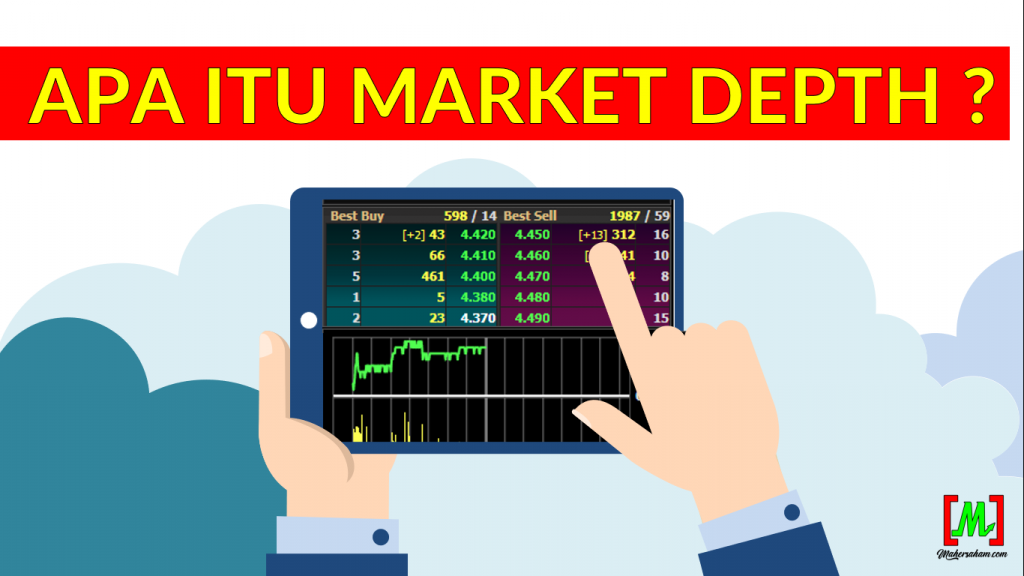
Market Depth refers to buy or sell orders placed by traders and investors in the stock market.
For example, if you want to buy a particular stock counter, you need to submit an order through your Trading Platform.
That order will then appear in the Market Depth.
Simply put, it is like queuing up in the Market Depth until the order you submitted gets matched.
Matched here means the buying price you keyed in has been successfully paired with a seller who is queuing to sell at your buying price.
Once it is matched, only then will you own the stock counter you wanted to buy. The same goes if you want to sell a stock counter.
Market Depth Best Buy
Best Buy is the section for buy orders placed by traders and investors. All buy orders that buyers wish to place will appear in this section.
Normally when buying, you would want to buy at the cheapest price possible, right? And sell at the highest price possible to make a handsome profit.
So in Market Depth Best Buy, the higher the stock price you are willing to buy at, the faster the potential for your order to be matched (to own the stock).
For example, if you look at the Market Depth diagram below, the topmost layer is the highest price buyers are willing to queue at, and the layers going downward have increasingly lower prices.
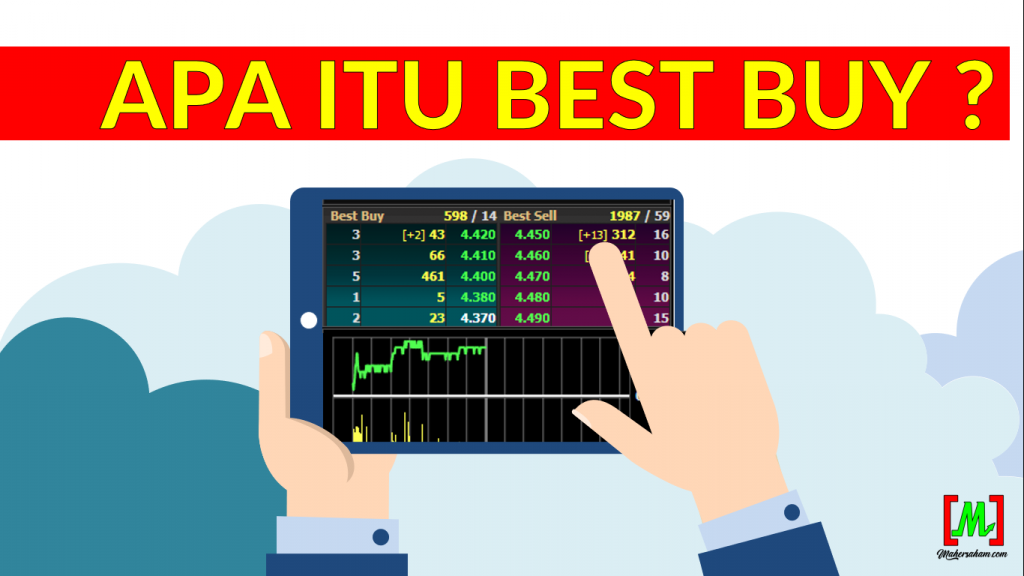
If you queue at the lowest layer, you need to wait for the price to match until it reaches your turn.
If you want to be matched immediately (get it straight away), the price you queue at needs to be the highest price, which is the price at the topmost layer.
Market Depth Best Sell
Best Sell is the section for sell orders placed by traders and investors. All sell orders that sellers are queuing to sell will appear in this section.
Normally when selling, you would want to sell at the highest price possible to get the best returns, right?
But remember, the price you are queuing to sell at — as long as there is no buyer who queues to buy, your sell order will not be matched.
So you need to wait until there is a buyer who wants to queue to buy at the price you want to sell.
For example, if you look at the diagram for Market Depth Best Sell, the topmost layer is the cheapest price and the lowest layer has increasingly expensive prices.
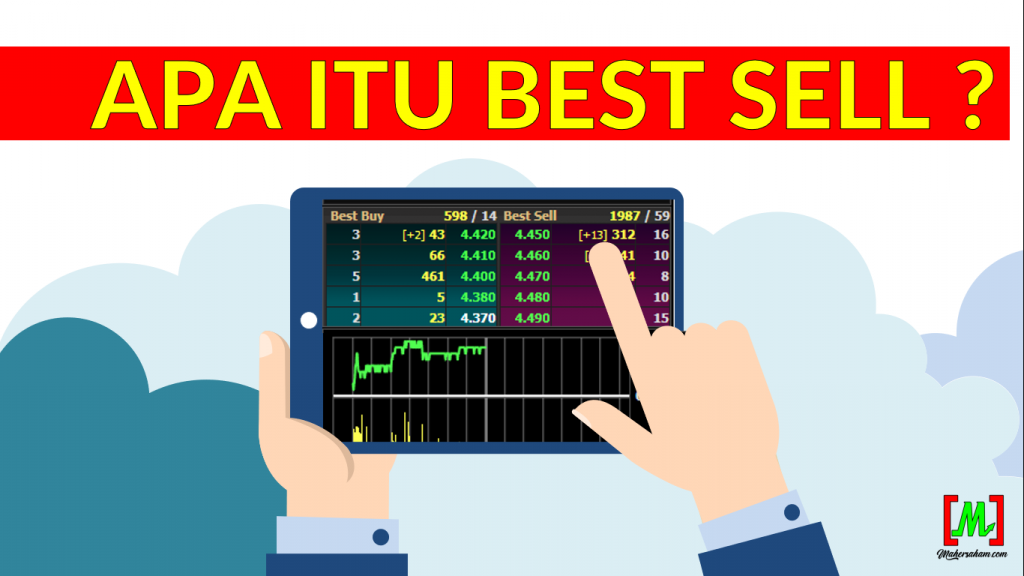
This means, if you are willing to sell at a cheaper price, the faster the potential for your order to be matched (your stock gets sold from your portfolio).
Meanwhile, the higher the selling price you queue at, you need to wait until there is a buyer willing to buy at that price.
Concept of Best Buy & Best Sell
If you are still confused or do not yet understand how Market Depth works, the concept is similar to the situation below:

Ali is selling a second-hand car. The price Ali wants to sell the car for is RM10,000.
Then Mei Mei wants to buy the car but Mei Mei wants to buy it for RM9,000. So will Mei Mei be able to own the car?
Of course the answer is no because Ali wants to sell at RM10,000.
So the options Mei Mei has as a buyer are:
- Be willing to add another RM1k to immediately own the car at RM10k
- Or be willing to wait a bit longer until the car price drops to RM9k.
Either way, it is up to Mei Mei as the buyer.
The same goes for you as an investor. Whether you are willing to queue to buy at a higher price or just wait until the price falls to the level you queued at.
Meanwhile, the options Ali has as a seller are:
- Be willing to wait a bit longer until another buyer is willing to buy at Ali's selling price of RM10k
- Or be willing to lower the price, sell at the lower price of RM9k because he wants to sell immediately to the ready buyer, Mei Mei.
It all comes down to the emotions of the buyer and seller themselves. This is exactly what happens in the Market Depth on trading platforms when buying and selling stocks.
Market Depth Video Explanation
If you feel that watching a video is easier, feel free to watch the video below
Conclusion
Market Depth is an important tool for understanding the volume of buy and sell orders in the stock market. By understanding the concept of Demand and Supply, you can make smarter trading decisions.
Frequently Asked Questions (FAQ)
1. What is Market Depth in stocks?
Market Depth is a display of buy (bid) and sell (ask) orders that shows the level of demand and supply at each price level for a particular stock counter on Bursa Malaysia.
2. How does Market Depth help in stock trading?
Market Depth helps you see the strength of buyers and sellers at each price level. If demand (bid) is greater than supply (ask), it indicates strong buying pressure.
3. Where can I view Market Depth?
Market Depth can be viewed through trading platforms such as Mplus Online or other trading applications that support Bursa Malaysia data. Make sure your CDS account is already active.
4. What is the difference between Market Depth and a stock chart?
Market Depth shows buy and sell orders in real-time, while a stock chart shows the historical price movement. Both are important for trading analysis.
Start Your Investment Journey
Now that you understand Market Depth, it is time to start investing and use this knowledge in real trading.
Open a CDS Account: Open a CDS account with Mplus today to access Market Depth and start trading stocks.
Download Free Ebook: Get the free stock basics ebook from Mahersaham for a complete investment guide.