M+ Online Is Discontinued: Key Differences & How to Switch to M+ Global

If you're wondering why the M+ Online app suddenly stopped working, the answer is simple - M+ Online has been fully discontinued. Malacca Securities has replaced it with M+ Global, a more modern trading platform that supports multiple markets.
This article answers all common questions about the transition from M+ Online to M+ Global - based on over 1,100 real questions received by our support team.
What Is M+ Global?
M+ Global is the latest trading platform from Malacca Securities Sdn Bhd - a stockbroker that has been operating in Malaysia since 1963. This platform fully replaces M+ Online and provides access to three major markets in one app: Bursa Malaysia, the United States (US) stock market, and Hong Kong.
According to Malacca Securities' official website, M+ Global provides access to over 7,000 stocks in the US market, 3,000+ stocks in the Hong Kong market, and all counters on Bursa Malaysia. The platform also features a Shariah screener for US and Hong Kong markets - making it the first platform in Malaysia to offer this feature for Muslim investors.
Why Was M+ Online Replaced with M+ Global?
M+ Online had been operating since 2012 and originally only supported trading on Bursa Malaysia. With the rapid growth of global markets and Malaysian investors' demand for access to foreign stocks, Malacca Securities developed M+ Global as a more comprehensive replacement.
Key reasons for the transition:
- Limited market access - M+ Online only supported Bursa Malaysia. Investors who wanted to buy US or Hong Kong stocks needed a separate platform.
- Outdated technology - M+ Online's login system still used traditional User ID + Password, while M+ Global has switched to more secure phone number + OTP verification.
- User experience - M+ Global was designed with a more modern and user-friendly interface compared to M+ Online.
What's important to know: your CDS account remains the same. Only the trading platform changes. So you don't need to register a new account or worry about your existing portfolio.
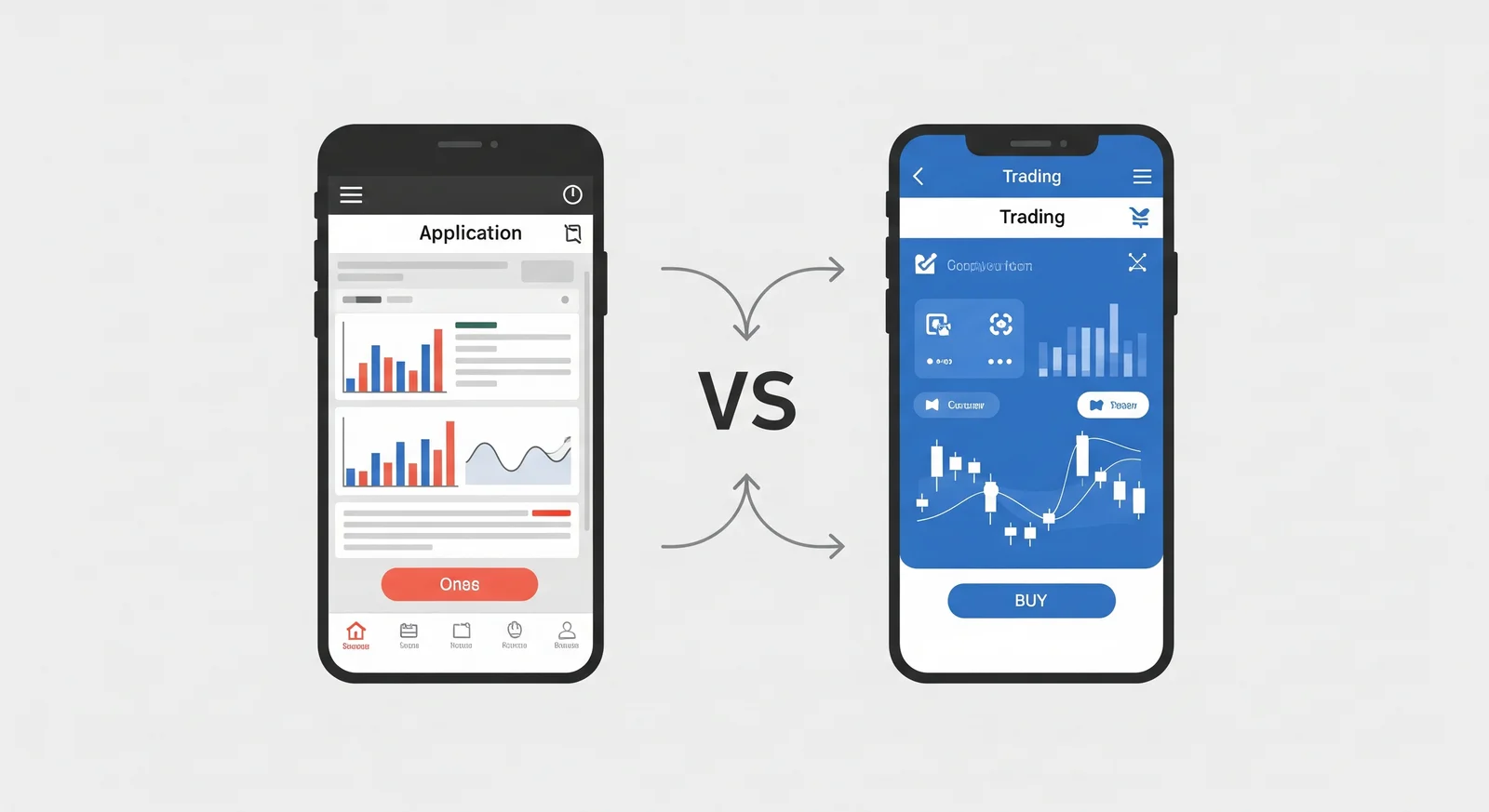
M+ Online vs M+ Global Comparison
Here's a comprehensive comparison between the two platforms:
| Feature | M+ Online | M+ Global |
|---|---|---|
| Status | Discontinued | Active |
| Login Method | User ID + Password | Phone Number + OTP |
| Trading PIN | Same as account password | Separate 6-digit PIN |
| Markets | Bursa Malaysia only | Bursa Malaysia + US + Hong Kong |
| Shariah Screener | Not available | Available (MY, US, HK) |
| Minimum Device | Android/iOS (older versions OK) | Android 12+ / latest iOS |
| Web Version | mplusonline.com.my | mplusglobal.com.my |
| Deposit | FPX | FPX (directly in app) |
| Customer Support | Office hours | 24-hour online support |
The most significant difference: M+ Global isn't just a "new version" of M+ Online. It's a far more complete platform with access to global markets.
How to Download M+ Global
Android (Google Play Store)
- Open Google Play Store on your phone
- Search for "M+ Global" or "M+ Global MY US HK Stocks"
- Select the app by Malacca Securities Sdn Bhd
- Tap Install
Minimum requirement: Android 12 and above. If your phone is still running Android 11 or older, please refer to the "Older Phone Not Supported" section below.
iOS (iPhone / iPad)
- Open App Store
- Search for "M+ Global"
- Select the app by Malacca Securities Sdn Bhd
- Tap Get / Install
Web Version (Desktop / Laptop)
You can also access M+ Global through your browser without installing any app. Visit mplusglobal.com.my and log in as usual.
The web version is ideal if you prefer trading on desktop or if your phone doesn't support the M+ Global app.
How to Login to M+ Global (Step by Step)
The M+ Global login process is completely different from M+ Online. Here are the steps:
- Open the M+ Global app that you've installed
- Enter your phone number registered when you opened your CDS account
- Receive OTP - a verification code will be sent via SMS to that number
- Enter the OTP in the app
- Set your Trading PIN - this is a 6-digit PIN you'll use every time you confirm a buy/sell order
Important: The Trading PIN in M+ Global is a separate 6-digit code, not the same as your login password like in M+ Online. Choose a PIN that's easy to remember but hard for others to guess.
How to Navigate M+ Global
Many clients ask "where do I find my position?" or "how do I check my portfolio?" after switching to M+ Global. Here's a quick guide:
View Portfolio & Position
- Open the M+ Global app
- Select the Trade tab at the bottom of the screen
- Click Bursa (for Malaysian stocks) or US/HK (for foreign stocks)
- All your positions, order history, and holdings will be displayed here
Buy or Sell Stocks
- Go to Trade > Bursa
- Search for the counter name or code
- Select Buy or Sell
- Enter the price and number of lots
- Confirm with your Trading PIN (6 digits)
- Your order will be sent to the market
View Account Summary
- Go to the Account or Portfolio section
- Here you can check your trust balance, available trading limit, and list of holdings
- For daily or monthly statements, refer to the Statement menu
For a complete guide to every screen and function in the app, read our article: Getting to Know M+ Global App.
Common Issues When Switching & How to Fix Them
Based on questions we've received, these are the most common problems:
1. "My phone number has changed"
If your registered phone number is no longer active, you need to update it first. Contact Mahersaham CS with your client code, and we'll help with the number change process. For a complete guide, read How to Update Your M+ Account Information.
2. "My M+ Online User ID and Password don't work"
That's correct. M+ Global doesn't use User ID + Password. You need to log in using your phone number + OTP. If your phone number is inactive, refer to issue #1 above.
3. "I'm not receiving the OTP"
Common reasons:
- The registered phone number is different from the one you're currently using
- SMS delay - wait 1-2 minutes
- SMS inbox is full - delete old messages
- Telco network issues - try again
If you still can't receive it, contact the M+ hotline at 1300 22 1233.
4. "My Trading PIN is blocked"
The Trading PIN gets blocked if you enter it incorrectly too many times. To reset, go to @Mahersaham_support_bot on Telegram and select Request > Reset Password. Provide your client code and CS will help reset it.
5. "M+ Global app crashes or shows blank screen"
Try these steps in order:
- Update the app to the latest version
- Clear app cache (Android: Settings > Apps > M+ Global > Clear Cache)
- Restart your phone
- Reinstall the app if problems persist
- Use the web version at mplusglobal.com.my as a temporary alternative
Older Phone Not Supported?
M+ Global requires a minimum of Android 12 to function. If your phone is still running Android 11 or older, here are your options:
- Use the web version - visit mplusglobal.com.my through your phone's browser. All trading functions are available.
- Use a laptop/PC - access the web version from desktop for a more comfortable experience
- Upgrade your phone - if you trade frequently, consider upgrading to a model that supports Android 12+
The M+ Global web version works exactly like the app - just without push notifications.
Babyshark Class - Learn M+ Global for Free
For Mahersaham clients, we provide the Babyshark class that teaches you how to use M+ Global from A to Z. This class is free for everyone who opens a CDS account through Mahersaham.
In this class, you'll learn:
- How to navigate every screen in M+ Global
- How to buy and sell your first stock
- How to read your portfolio and account summary
- How to use the screener to find potential stocks
- How to deposit and withdraw funds from your trading account
To join, please register through the Mahersaham support group.
Frequently Asked Questions (FAQ)
Can I still use the M+ Online app?
No. M+ Online has been fully discontinued. All clients need to switch to M+ Global to continue trading.
Does my CDS account stay the same when switching to M+ Global?
Yes, your CDS account remains the same. There are no changes to your CDS account, portfolio, or existing holdings. Only the trading platform changes.
What do I use to log into M+ Global? Is it the same as M+ Online?
No, it's different. M+ Global uses phone number + OTP for login. Not User ID + Password like M+ Online before.
I already have an M+ Online account. Do I need to register a new one for M+ Global?
No, you don't need to register a new account. Your existing CDS account can be used directly on M+ Global. Only the login method has changed.
Can I trade US and Hong Kong stocks on M+ Global?
Yes. M+ Global supports three markets: Bursa Malaysia, US, and Hong Kong. You can trade stocks from all three markets in one app.
How do I learn to use M+ Global from scratch?
Join the Babyshark class (free for Mahersaham clients). Additionally, read our guide articles available on the mahersaham.com website.
How many digits is the M+ Global Trading PIN?
The M+ Global Trading PIN is 6 digits. It's separate from the login password and is only required when confirming buy/sell orders.
My phone doesn't support Android 12, what should I do?
Use the M+ Global web version through your browser at mplusglobal.com.my. All trading functions are available via web.
Conclusion
The transition from M+ Online to M+ Global does require some adjustment, but it brings many advantages - especially access to global markets and better security systems. Your CDS account stays the same, so you only need to get familiar with the new interface.
If you don't yet have a CDS account to start investing in stocks, the first step is to open one. With a CDS account, you can invest on Bursa Malaysia as well as foreign stocks like US and Hong Kong through M+ Global.
Open your CDS account here: mahersaham.com/akauncds
Download the free stock basics ebook to understand investment fundamentals before you start trading: mahersaham.com/ebookasas