Forgot Bursa Anywhere Password? Here's How to Reset It

What Is Bursa Anywhere?
Bursa Anywhere is Bursa Malaysia's electronic platform that allows investors to access, manage, and update their CDS account information and transactions online.
The great thing is that investors can access it directly online through the Bursa Anywhere application.
However, many of us face the problem of forgetting our login password after registration.
So this article will show you how to log back into Bursa Anywhere.
How to Reset Your Bursa Anywhere Password
If you have forgotten your password, there are 2 methods you can use.
Method 1: Email your enquiry or issue to the Bursa Anywhere team at [email protected].
Here is an example of how to write the email:
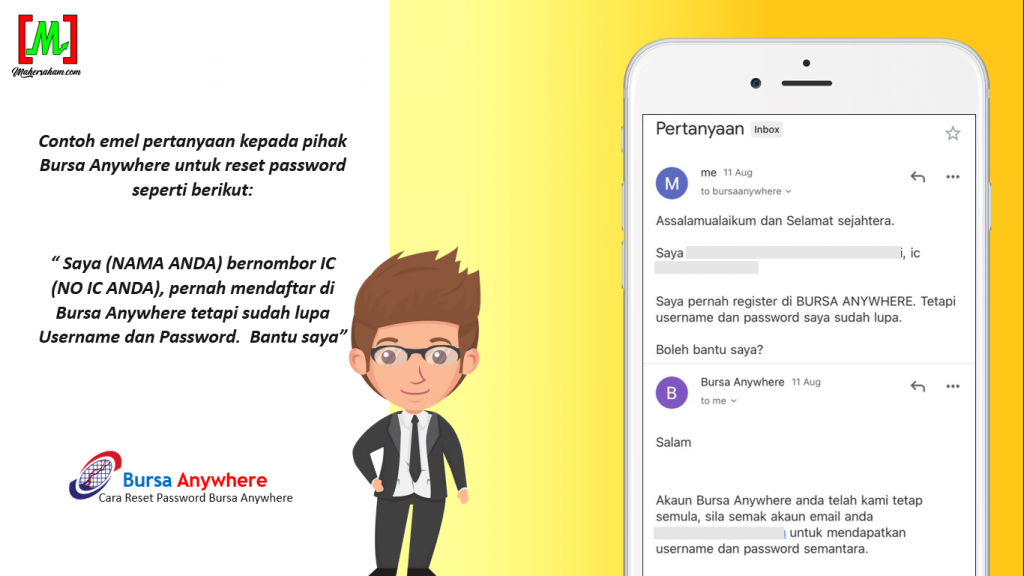
This first method is suitable if you are unsure or have forgotten both your username and password. Use this method so that the Bursa Anywhere team can assist you.
Method 2: Follow the steps below:
- Click on "Forgot username/password" in the Bursa Anywhere application.
- Enter the username, email, and phone number that you registered during your initial sign-up.
- Enter the TAC code received via SMS.
- Answer the security question that you set during your initial registration.
- Check your email for a message from Bursa Anywhere containing a temporary username and password.
- Log in using the temporary username and password in the Bursa Anywhere application.
- Then change the temporary password to your own new password.
You can try either of these two methods to reset your Bursa Anywhere password.
Bursa Anywhere E-Statement Password
Once you have successfully logged in, there are many features you can access and update in Bursa Anywhere.
One of them is accessing your CDS account e-statement.
To access this e-statement, you need to enter a security password.
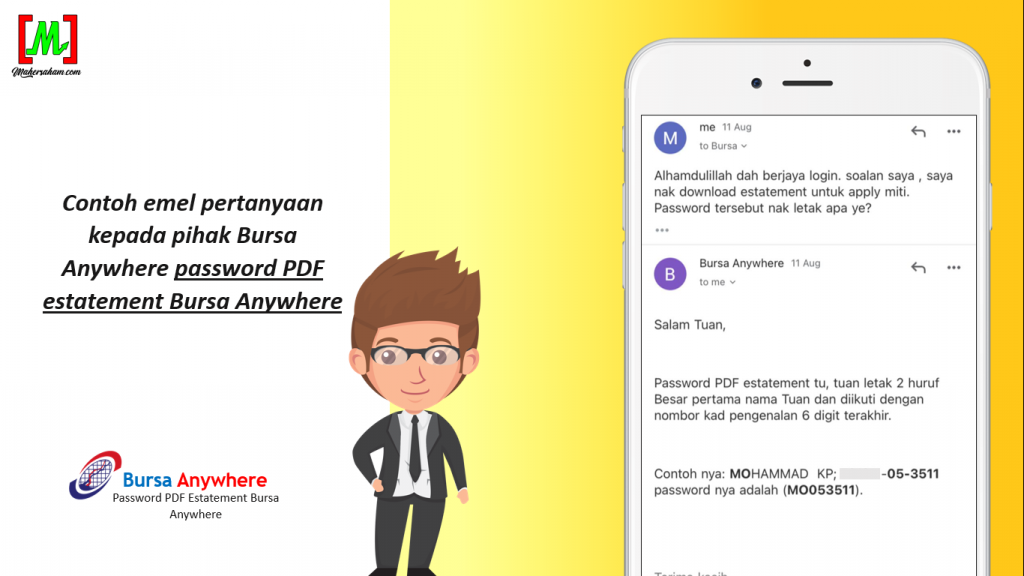
The password to access the Bursa Anywhere e-statement is the first 2 letters of your name (in CAPITAL LETTERS) followed by the last 6 digits of your IC number.
You can refer to the email enquiry example below:
Frequently Asked Questions (FAQ)
1. What should I do if I forgot my Bursa Anywhere password?
You can reset your password through the Bursa Anywhere application itself. Click on "Forgot Password" and follow the instructions provided to reset your password.
2. What is the password to access the e-statement in Bursa Anywhere?
The e-statement password is the first 2 letters of your name in CAPITAL LETTERS followed by the last 6 digits of your IC number. For example, if your name is Ahmad and your IC ends with 123456, the password would be AH123456.
3. What are the main functions of the Bursa Anywhere application?
Bursa Anywhere allows you to access your CDS account information online, check e-statements, update personal details, and monitor your stock investment portfolio on Bursa Malaysia.
4. Is Bursa Anywhere free to use?
Yes, the Bursa Anywhere application is free to download and use for all CDS account holders on Bursa Malaysia. You simply need to have an active CDS account.
Ready to start investing on Bursa Malaysia? Register for a CDS Account with our guidance from zero to advanced level. Also download our Free Stock Basics Ebook as your beginner's guide.