Changed Your Phone Number? Here's How to Update Your M+ Account Details

A new phone number, a new bank account, or an old email you no longer use - these are some of the most common situations faced by stock account holders. Every week, the Mahersaham support team receives the same questions: "How do I change my phone number in M+?", "Can I get the M+ email to change my mobile number?", or "I need to change my bank details, which form do I fill in?"
The catch is that each type of information has a different channel. Some changes can be settled with a single email, some strictly require a physical form, and some can be done yourself through an app. Use the wrong channel and your request gets rejected, wasting your time.
This article explains the correct channel for every type of detail change on your M+ (Malacca Securities) account, based on the actual processes our team handles for clients every day.
Quick Answer
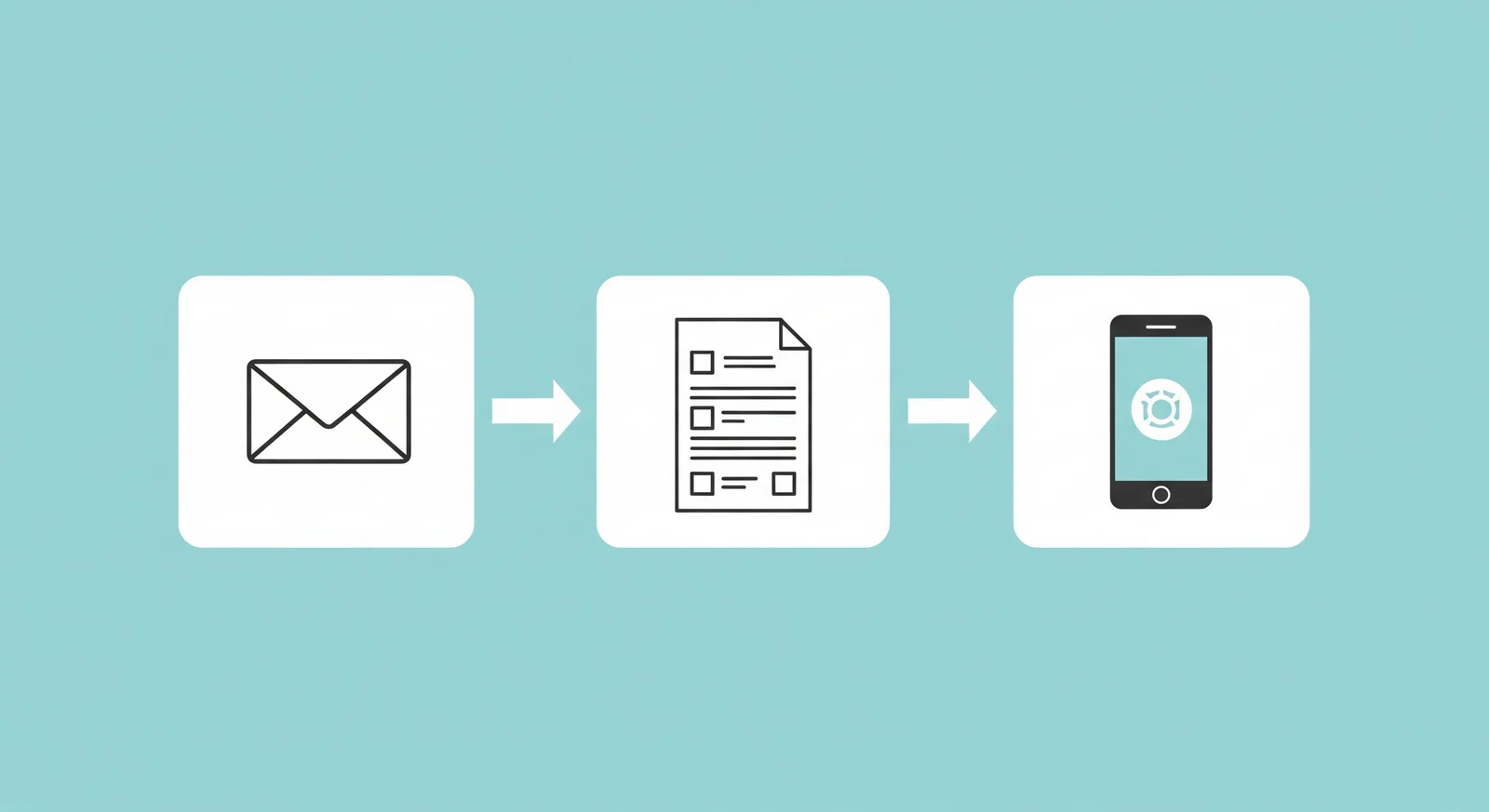
To change the phone number or email on your M+ account, send a request email to [email protected] - the M+ team will reply with online verification steps. To change your bank details or mailing address, you must fill in a physical form and either walk in to the nearest M+ branch or send it by post. Details at the CDS account level can be updated yourself through the Bursa Anywhere app.
The Right Channel for Each Type of Detail
The table below summarises the correct channel for each change:
| Type of Detail | Channel | How |
|---|---|---|
| Phone number | Send a request to [email protected] | |
| Email address | Send a request to [email protected] | |
| Bank details | Physical form | Walk in to an M+ branch or post the form |
| Mailing address (M+ records) | Physical form | Walk in to an M+ branch or post the form |
| Address in CDS records | Bursa Anywhere | Update it yourself in the app |
| Phone number country code | Send a request to [email protected] |
One important point: detail changes cannot be done over a phone call. Many clients try calling to change their mobile number, but M+ will still ask for the request to be sent by email. This is a security procedure - an email from your registered address serves as written proof that the request genuinely came from the account owner.
Checklist Before Sending Your Request
Before submitting any change request, prepare the following so the process goes through in one pass:
- Your M+ client code - the format is 6 digits + 1 letter (example: ABC123J). You can check it in the M+ Global app under your profile, or refer to our article on how to find your CDS account number.
- Your CDS account number - the 9-digit number shown on your statement or in Bursa Anywhere.
- Your registered email - all email requests must be sent from the email address registered with M+. Requests from other addresses will likely not be entertained.
- A clear scope - state whether the change is for M+ records only, or should include your records at the Bursa (CDS) level too. This determines whether an email is enough or you need to visit a branch.
- One request, one email - if you want to change both your phone number and email at once, state both clearly in a single request so M+ can process them together.
How to Change Your M+ Phone Number
Your phone number is the most critical detail on your M+ account because it is used to log in to the M+ Global app and to receive verification codes (OTP). Follow these steps:
The Easiest Route: The Auto-Filled Dashboard Form
The fastest option today is the auto-filled Mahersaham form. Log in at mahersaham.com with the same email that is on your CDS account record, then open mahersaham.com/dashboard/borang/tukar-telefon. Your details are filled in automatically — you only enter the new phone number, and the PDF is generated immediately for review.
The generated pack (print it single-sided):
- Updating of Account Particulars (2 pages) - 1 copy
- Change of Signature - 2 copies (photocopy first, then sign both)
- IC photocopy (front and back) - 1 piece
Sign with a ballpoint pen in black or blue ink: the Updating of Account Particulars form in the "Signature of Client" field, and Change of Signature on the dotted line above "Yours faithfully" on each copy. Do not write any date - leave it blank, the office fills it in - and do not use correction fluid.
Once signed: photograph every form and send the images to your remisier for checking, put them in a plastic sleeve and envelope, post them to your remisier, then send the tracking number. If you also need to change your account type (conventional to Islamic or the other way round), that has its own form - see our guide on switching your M+ CDS account type.
The Steps (via M+ Email)
- Open your registered email - use the same email address registered with M+. This matters for identity verification.
- Send your request to [email protected] - state clearly that you want to change your registered phone number.
- Include your account details - full name, IC number, client code (6 digits + 1 letter, e.g. ABC123J), CDS number, old number and new number.
- Wait for M+ to respond - the M+ team will reply and guide you through the verification steps to change the details online.
Email Template You Can Use
To: [email protected]
Subject: Request to Update Phone Number - [Full Name] ([Client Code])

Dear M+ Support,

I would like to request a change of the registered phone number on my account.

Full name: [name as per IC]
IC number: [IC no.]
Client Code: [e.g. ABC123J]
CDS Account No: [CDS no.]
Old phone number: [old number]
New phone number: [new number]

Kindly process this request. Thank you.
Once the change is successful, the M+ system updates right away and you can log in to the M+ Global app using your new number.
After the Change: Rejoining the Mahersaham Telegram Group
Many Mahersaham clients ask how to rejoin the Telegram support group after changing their phone number. The order is simple: change your number with M+ first via email as above. Once the change goes through, our system updates automatically and you can rejoin Telegram with the new number. If you still have issues after that, contact our team at t.me/mahersahamplatform for a check.
Completely Locked Out Because of an Old Number?
This situation is a little trickier: the old number is no longer active, the OTP never arrives, and you are locked out of your account. The solution depends on the actual cause:
Country Code Issue
Sometimes the login problem is not the number itself, but a wrongly stored country code in the system (for example, a Malaysian number saved under another country's code). If this is the cause, email [email protected] and ask M+ to amend the country code. This correction can be done entirely online via email.
The Old Number Is Completely Unusable
If your old number has been terminated by the telco and you cannot receive any verification at all, M+ may require you to walk in to a branch for physical identity verification. This is a security measure to make sure your account is not taken over by someone else. Branch locations are listed on the official Malacca Securities website.
Bursa Anywhere Login Problems
If your problem is with the Bursa Anywhere app (for example, you cannot register or you get an error after entering your IC), email Bursa Malaysia's support first. If Bursa confirms the cause is the country code or the phone number in your broker's records, then email [email protected] for the correction on the M+ side.
Can't Register on Bursa Anywhere? It Might Be a Country Code Issue
Another problem we see often, especially when clients try to reactivate a dormant CDS account: the Bursa Anywhere app refuses to register at all. After entering your IC number on the registration page, an error appears and you cannot proceed.
The usual cause: the phone number in your CDS records at Bursa is stored with a wrong or missing country code (for example, saved without +60, or with another country's code). Bursa Anywhere cannot match your record, so registration fails even though the number you typed is correct.
The important thing to understand: your phone number exists in two places - M+'s records (your broker) and the CDS records at Bursa. Bursa Anywhere reads Bursa's records, but the correction is made through M+, because M+ is the one that updates the data to Bursa. Here is the correct order of steps:
- Contact Bursa first for a diagnosis - email Bursa Anywhere support (or call Bursa) and explain that you cannot register. Ask them to check your record.
- If Bursa says the number on record is an entirely old number - you may need to walk in to a branch for identity verification.
- If Bursa confirms it is only a country code issue - email [email protected] and ask to amend the country code / update your phone number. The M+ team will fix it online.
- Once M+ completes the update - try registering on Bursa Anywhere again. Everything else syncs too: OTP, notifications, and joining Telegram groups with the correct number.
Email Template for Amending the Country Code
To: [email protected]
Subject: Request to Amend Phone Number Country Code - [Full Name] ([Client Code])

Dear M+ Support,

I have been informed by Bursa that the phone number on my account record
has a wrong or missing country code, which prevents me from registering
on the Bursa Anywhere app.

Full name: [name as per IC]
IC number: [IC no.]
Client Code: [e.g. ABC123J]
CDS Account No: [CDS no.]
Phone number (unchanged): [phone number]
Correct country code: +60 (Malaysia)

Kindly amend the country code on my phone number and update the record
to Bursa. Thank you.
A real client case was resolved exactly this way: after calling Bursa and confirming "it really is a country code issue", a single email to M+ was all it took - no forms, no branch visit.
Registration Incomplete but Your Number Has Changed?
There are also cases where the CDS account registration was never fully completed, and then the phone number used during registration can no longer be used. In this case, do not start a fresh registration yet. Check your registration status first:
- Download the M+ Global app from global.mplusonline.com/download
- Log in using your registered phone number (not email)
- Go to the Account section and continue the pending registration
If the old number is completely inaccessible and your registration is stuck, contact the Mahersaham team at t.me/mahersahamplatform - we can check your registration status directly with M+ and tell you the next steps.
How to Change Your Email Address
Changing your email works the same way as changing your phone number - send a request to [email protected] with your account details (name, IC, client code, old email and new email). The M+ team will guide you through verification.
Keep in mind that this email address is also where you receive account statements and official notices from M+. After changing it, check your access to your account statements in the M+ Global app to make sure everything still works.
For Mahersaham clients, one more important point: your dashboard account at app.mahersaham.com is registered using the same email as your M+ account. If you change your email with M+, your Mahersaham dashboard login needs to be aligned too - contact our team after the change so your Gold access, credits and learning records stay connected to the same account.
How to Change Your Bank Details
Unlike phone numbers and email, bank detail changes strictly require a physical form. This is because bank details are tied to money withdrawals - tighter security is required. You have two options:
- Walk in to the nearest M+ branch - bring your IC and your new bank details, and the branch team will process it at the counter.
- Post the completed form - get the form from the Mahersaham team, fill it in, and mail it.
For the postal option, prepare the following:
- The bank detail change form - fill in your CDS number, IC number, name, new bank details and signature. The Mahersaham team will tell you how many copies are needed.
- One copy of your IC
- A copy of your bank statement - the top section (header) showing your name and account number
A key tip from our team: send a photo of the completed form to the Mahersaham team for checking before you post it. Small mistakes like incomplete details or a mismatched signature can get the application rejected by M+, forcing you to restart the whole process. Also place all documents in a plastic sleeve before putting them in the envelope to prevent damage in transit.
One more thing people often get confused about: if you want to change the bank account used for dividends (eDividend) as well, that involves records at the Bursa Malaysia level, not just M+. To change both levels, you need to walk in to an M+ branch. If it is only for withdrawals from your M+ trading account, the form or email route above is enough - just state the scope of the change clearly.
How to Change Your Mailing Address
Your address exists in two different places, and this is a constant source of confusion:
- Address in M+ (broker) records - for official correspondence from Malacca Securities. Changing it requires a physical form, just like bank details: walk in to a branch or post it.
- Address in CDS (Bursa Malaysia) records - can be updated yourself through the Bursa Anywhere app without any form. The full guide is in our article Tukar Alamat CDS Guna Apps Bursa Anywhere.
According to Bursa Malaysia's official FAQ, self-service CDS detail updates through Bursa Anywhere are free and processed directly in the system. So for addresses, settle the CDS side through the app first, then handle the M+ records if needed.
Why You Should Update Your Details Promptly
Some clients put this off for years - until they get locked out of their account at the most critical moment. These are real risks our team sees regularly:
- OTP never arrives when you want to trade - market opportunities do not wait. If your registered number is dead, you cannot log in to buy or sell at all.
- Delayed dividends - dividends are paid directly to the bank account registered for eDividend at the Bursa level. If your old bank account is closed, the payment fails and you have to file a claim that takes time.
- Your old number gets recycled by the telco - unused prepaid numbers are terminated and can be reassigned to someone else. In theory, the new owner of that number could receive your account's OTP. That is a serious security risk.
- Official letters never reach you - corporate action notices such as rights issues have deadlines. An outdated address means missing out on your own entitlements.
Our advice: sort out the detail change within a week of changing your number, bank or address. The process is far easier while you can still access your account than after you are locked out.
Frequently Asked Questions (FAQ)
Can I just call M+ to change my phone number?
No. Even if you call, M+ will still ask you to send the request by email to [email protected]. An email from your registered address is part of the identity verification procedure.
How long does a phone number change take?
Once M+ processes your email request, the system updates right away and you can log in with the new number. The overall duration depends on how smoothly verification goes - usually within a few working days. If there is no response after a few days, follow up on your email or ask the Mahersaham team for help.
I changed my phone number - why can't I join the Mahersaham Telegram group?
Telegram group access is checked against the number registered with M+. Make sure the number change with M+ is fully completed first. After that, our system updates and you can rejoin with the new number. Still stuck? PM our team at t.me/mahersahamplatform.
Where do I get the bank detail change form?
You can get the form directly from the Mahersaham team via t.me/mahersahamplatform, or pick one up at any M+ branch if you walk in.
Why can't bank details be changed by email alone?
Bank details are tied to withdrawals from your trading account, so M+ requires a physical form with an original signature as an extra security measure to protect your funds.
If my old number is completely dead, how do I receive the OTP?
Email [email protected] and explain your situation. If email verification is not sufficient, M+ will ask you to walk in to a branch for physical identity verification.
Are there any charges for these changes?
CDS detail updates through Bursa Anywhere are free. For changes on the M+ side, any charges (if applicable) will be communicated during the application process.
Will changing my phone number affect my shareholdings?
No. Updating personal details does not change your shareholdings, account balance, or CDS account status. It only updates your contact records.
Why can't I register on Bursa Anywhere even though my phone number is correct?
Most likely the number in Bursa's CDS records is stored with a wrong or missing country code. Contact Bursa to confirm, and if it is indeed a country code issue, email [email protected] so M+ can correct it. See the country code section above for the full steps.
I want to reactivate my dormant account but I'm stuck at Bursa Anywhere. What is the correct order of steps?
First, make sure your phone number and country code are correct in the records (follow the country code section above). Second, register and log in to Bursa Anywhere. Third, reactivate the dormant account - full walkthrough in How to Activate Your CDS Account with Bursa Anywhere.
Conclusion
Updating your personal details on an M+ account is actually straightforward once you know the right channel: email [email protected] for phone numbers and email, physical forms for bank details and addresses, and Bursa Anywhere for CDS records. Keep your details current so you never get locked out of your own account at a critical moment.
Well-maintained account details are the foundation of a smooth investing experience - the next step is making sure your account is ready to be used to its full potential.
Don't have a CDS account yet? Open a CDS account with Mahersaham to invest in Bursa Malaysia as well as foreign stocks such as the US and Hong Kong markets.
New to the stock market? Download our free stock market basics ebook as your first step.
Further Reading
- How to Change Your Remisier at Malacca Securities (M+): Steps & Email Template
- CDS Account Service Requests: Reset Password, Market Depth & IPO Financing From Your Dashboard
- How to Update Your CDS Account Using Bursa Anywhere App
- Get to Know the M+ Global App: A Full Map of Every Screen & Function
- How to Open Your Bursa Anywhere E-Statement (PDF Password Formula)